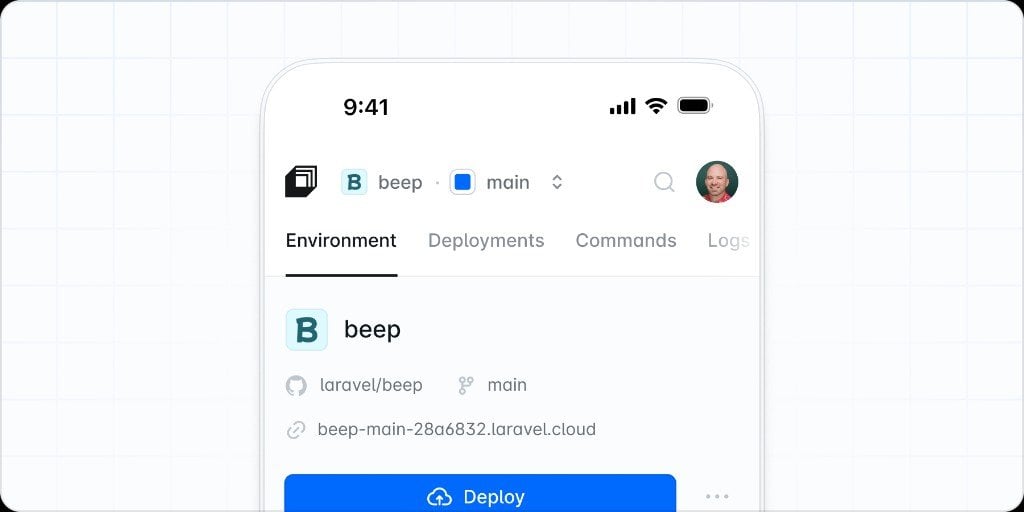
The Laravel Cloud experience is now fine-tuned for any screen. Move between environments, manage resources, watch deployments, and ship releases from wherever you are. Perfect for on-the-go deployments and AI workflows.
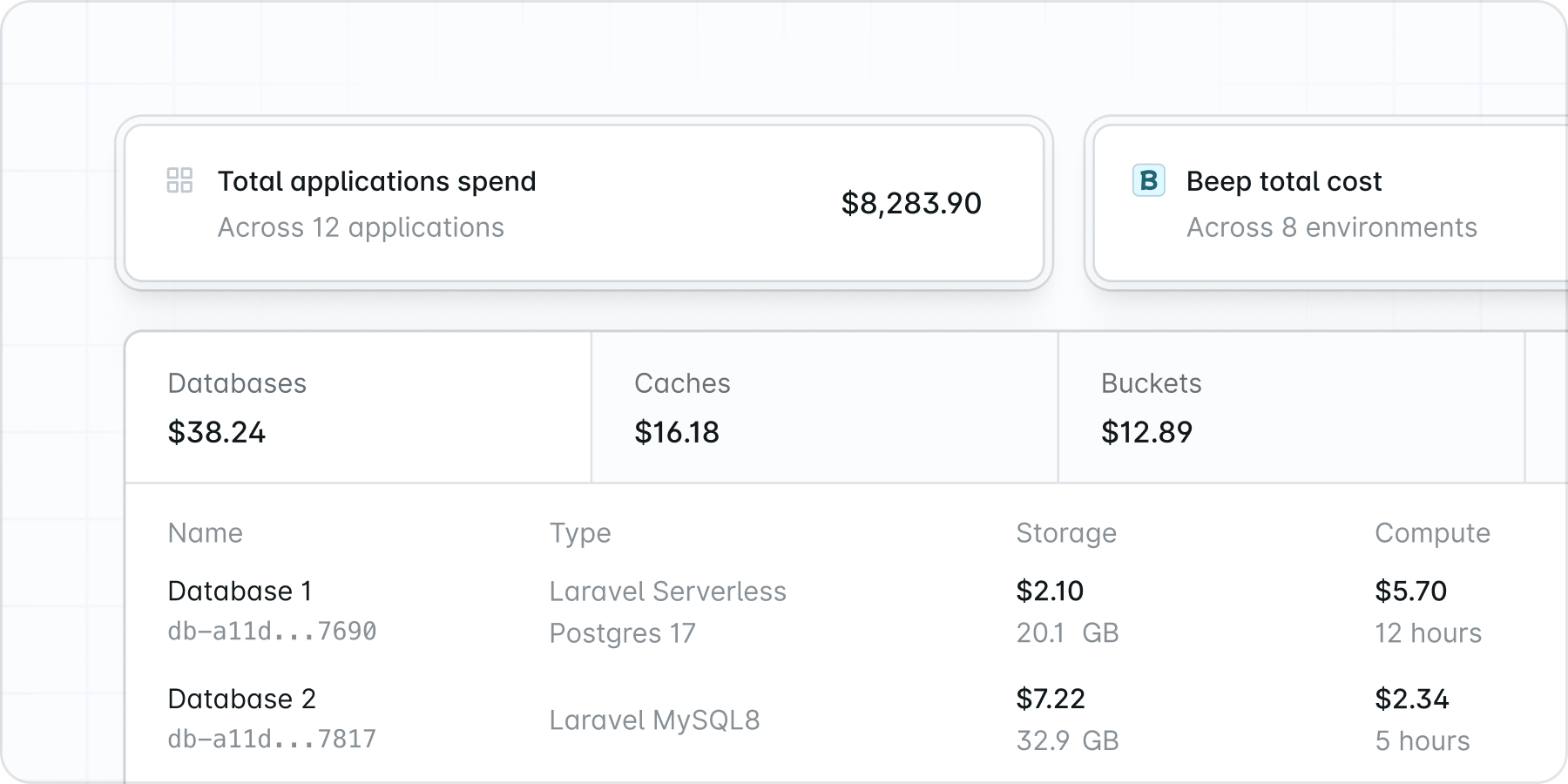
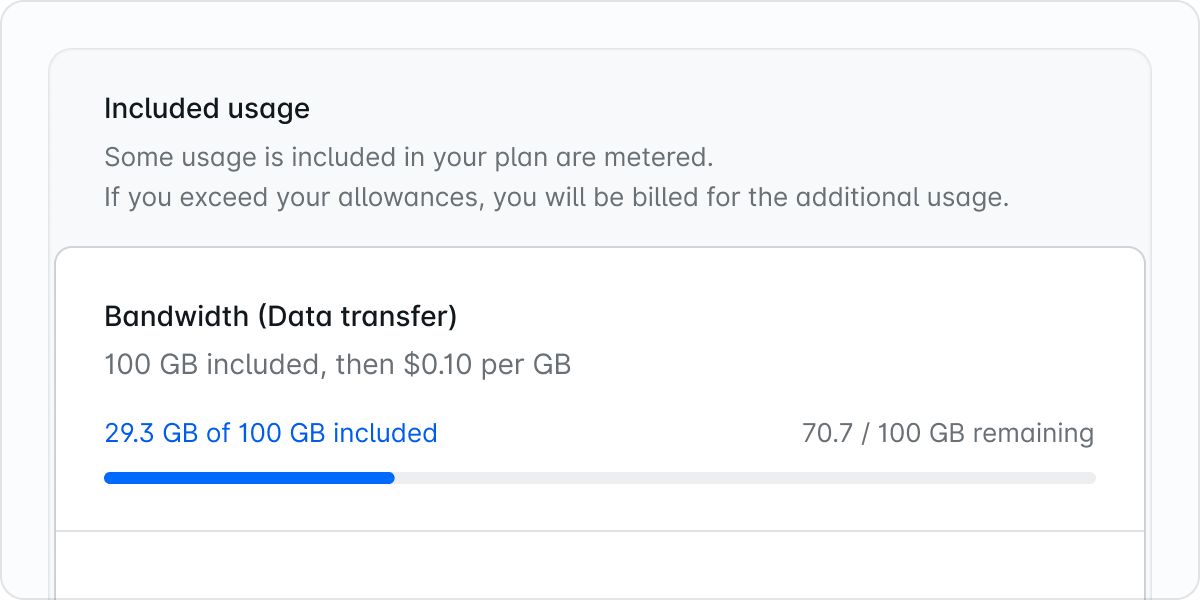
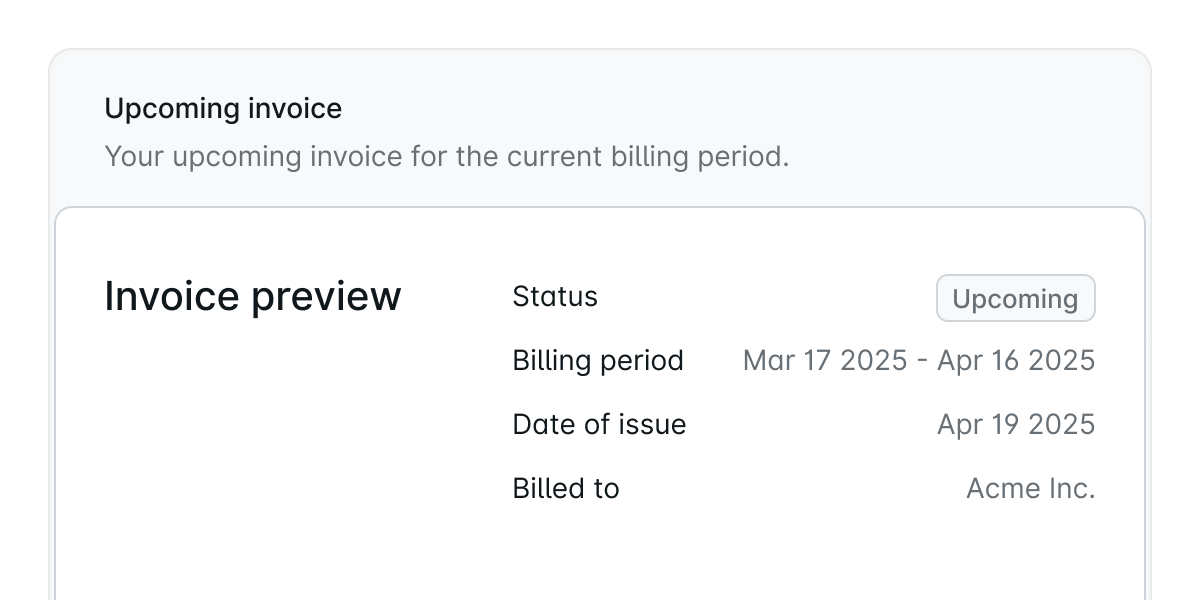
The Usage page has been redesigned to make it easier to understand what your organization is spending and where that spend is coming from.You can now review a cleaner summary of your current spend, bandwidth usage, credits, and billing alerts, then drill down into resource costs and application-level compute usage by environment. The new layout also makes it easier to spot the clusters, resources, and add-ons contributing to your bill during the selected billing period.Read the usage documentation to learn more.
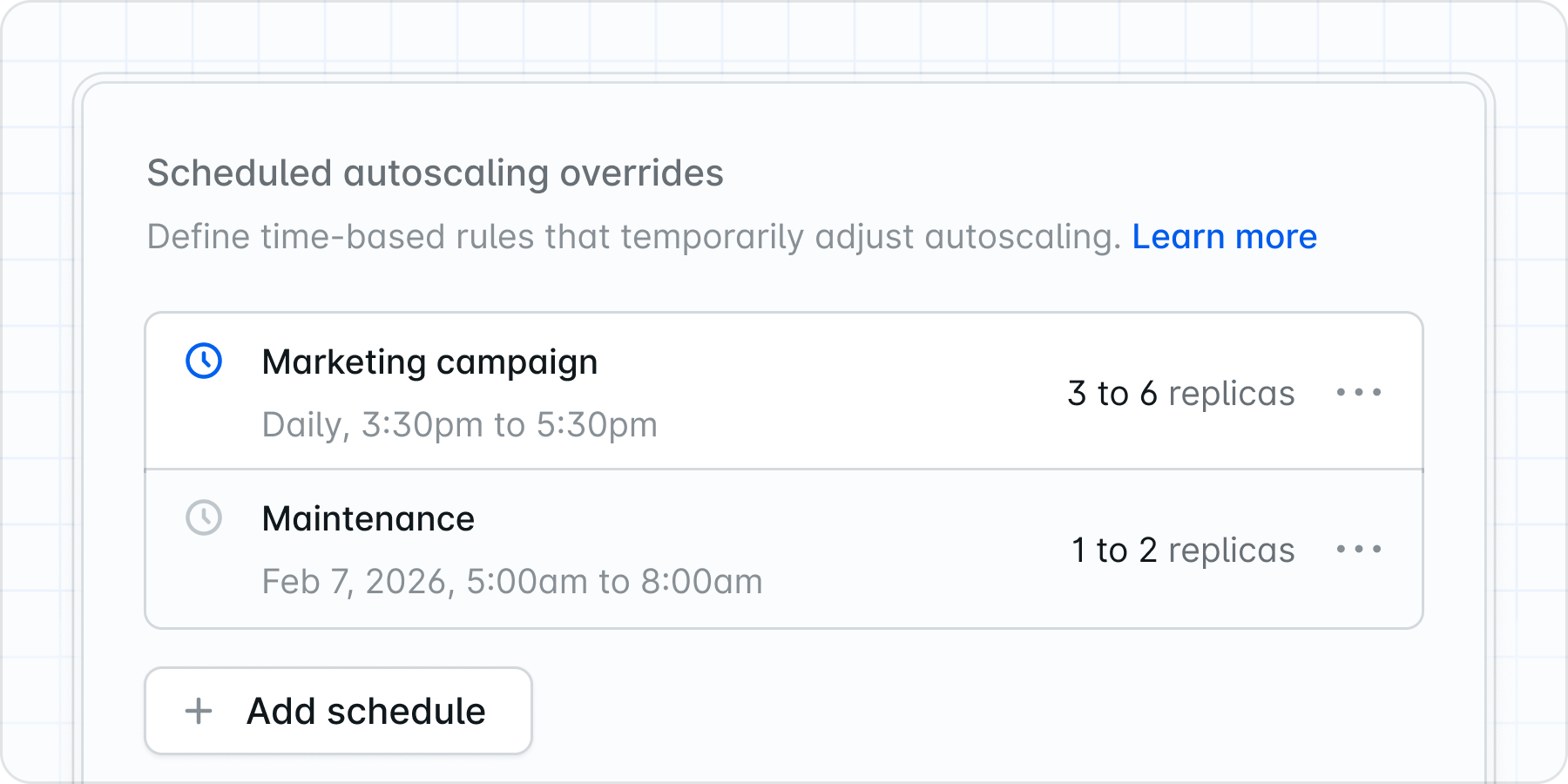
Scheduled autoscaling is now available on the Business and Enterprise plans. You can create one-time or recurring schedules that temporarily adjust your minimum and maximum replicas, as well as your CPU and memory thresholds, before predictable traffic arrives.This makes it easy to prepare for launches, promotions, business hours, and other recurring traffic patterns without manually changing your baseline scaling settings. Each schedule uses its own timezone, and Laravel Cloud automatically applies the one that matches the current time.Read the compute documentation to learn how to configure scheduled autoscaling.
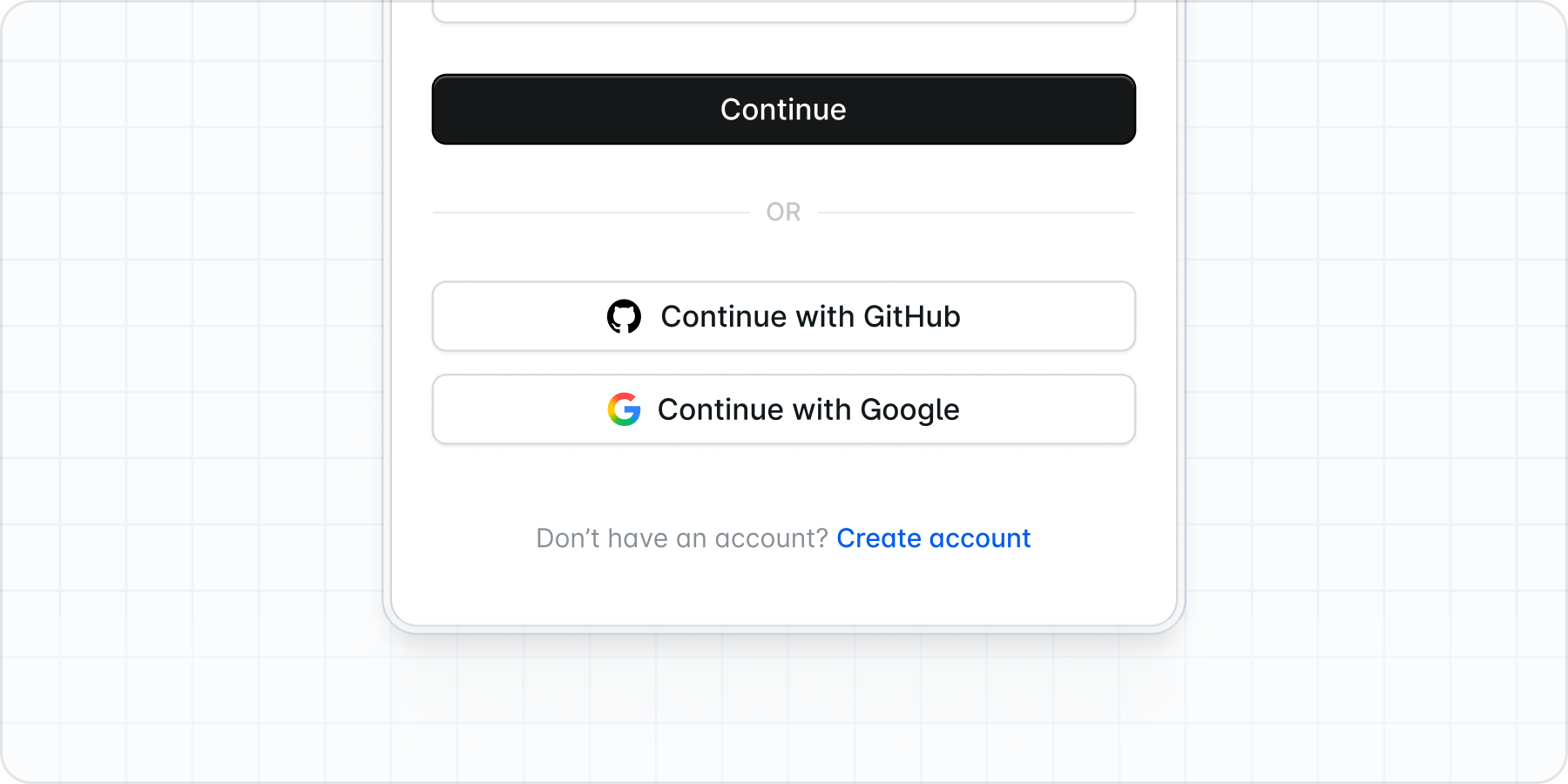
GitHub SSO is here. Sign in or create your account with GitHub, and since we already use that connection for source control, your repos come with you. Go from sign-up to first deploy faster than ever.
New signups no longer require a credit card. Sign up with just your name and email address, and you’ll land straight in Laravel Cloud with $5 in credits to get started.Use your credits to deploy a real application and see what Laravel Cloud can do. No commitment required. Available resources include one application, one database (Laravel MySQL or Postgres), a Laravel Valkey cache, WebSockets, and object storage, with compute available in Ohio, Frankfurt, and Singapore. Once you’re ready to go further, upgrading to a paid plan takes seconds.Sign up for free or read the docs to learn more.
Same Git Account, Multiple Organizations and Users
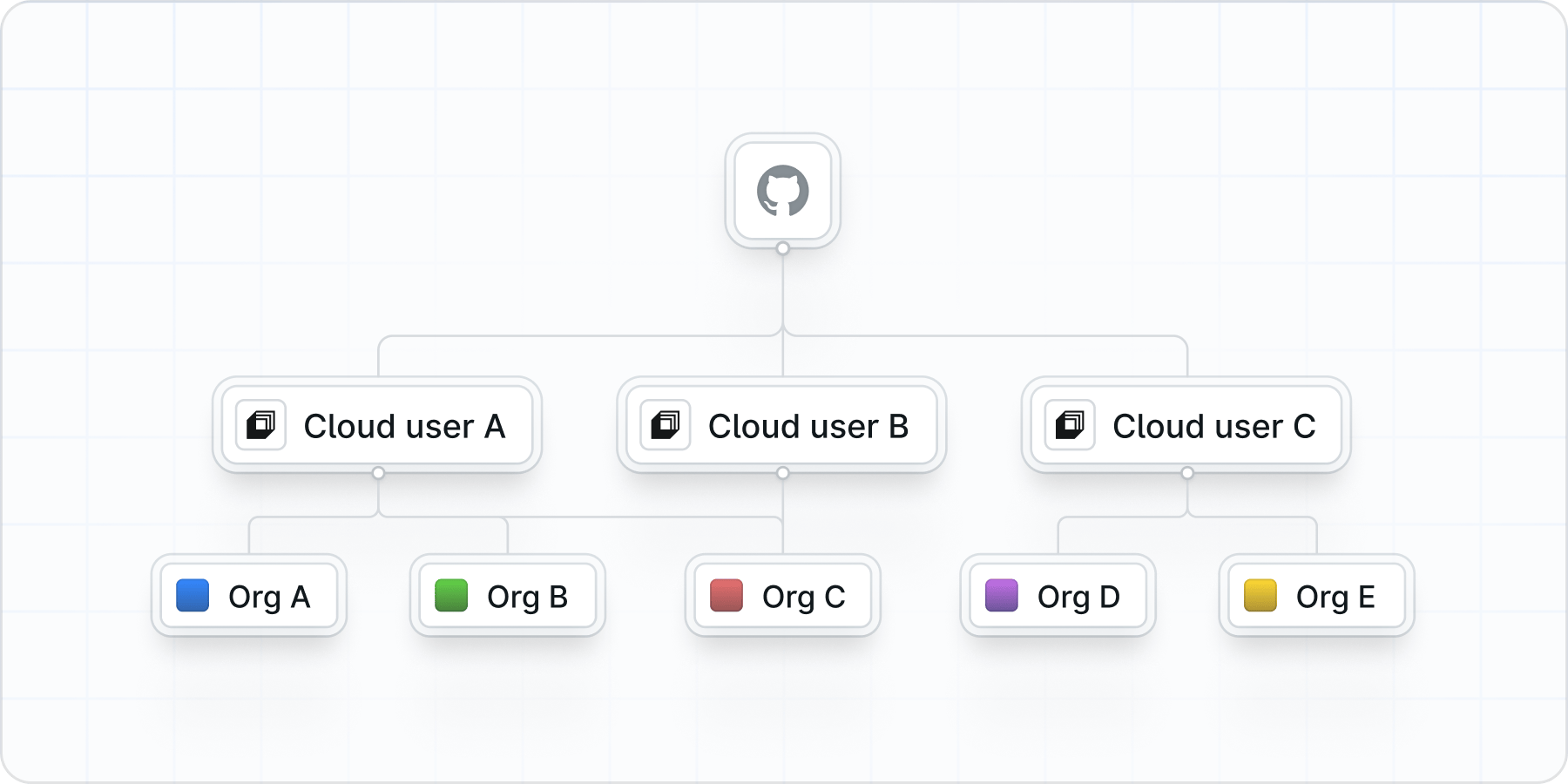
Git connections are now stored per user instead of per organization. The same Git account can be connected to multiple Cloud users and organizations at once.
One user, many orgs. Connect once and use your Git account across every organization you belong to.
One git account, many Cloud users. Connect the same git provider (e.g. your personal GitHub) to multiple Cloud user accounts. Each Cloud account and org stays separate, but they can all use the same git source.
Laravel Cloud API: Programmable Infra for Teams and AI Agents
You can now manage your entire Laravel Cloud infrastructure programmatically with the Laravel Cloud API. Our API covers deployments, environments, databases, caches, object storage, and scaling for CI/CD integration, infrastructure-as-code workflows, and AI agents that provision resources or query status on your behalf. Explore the API documentation.
You can now run and script Laravel Cloud operations directly from the command line. The CLI provides smart defaults for quick setup and full control when you need it. Learn more in the CLI documentation.
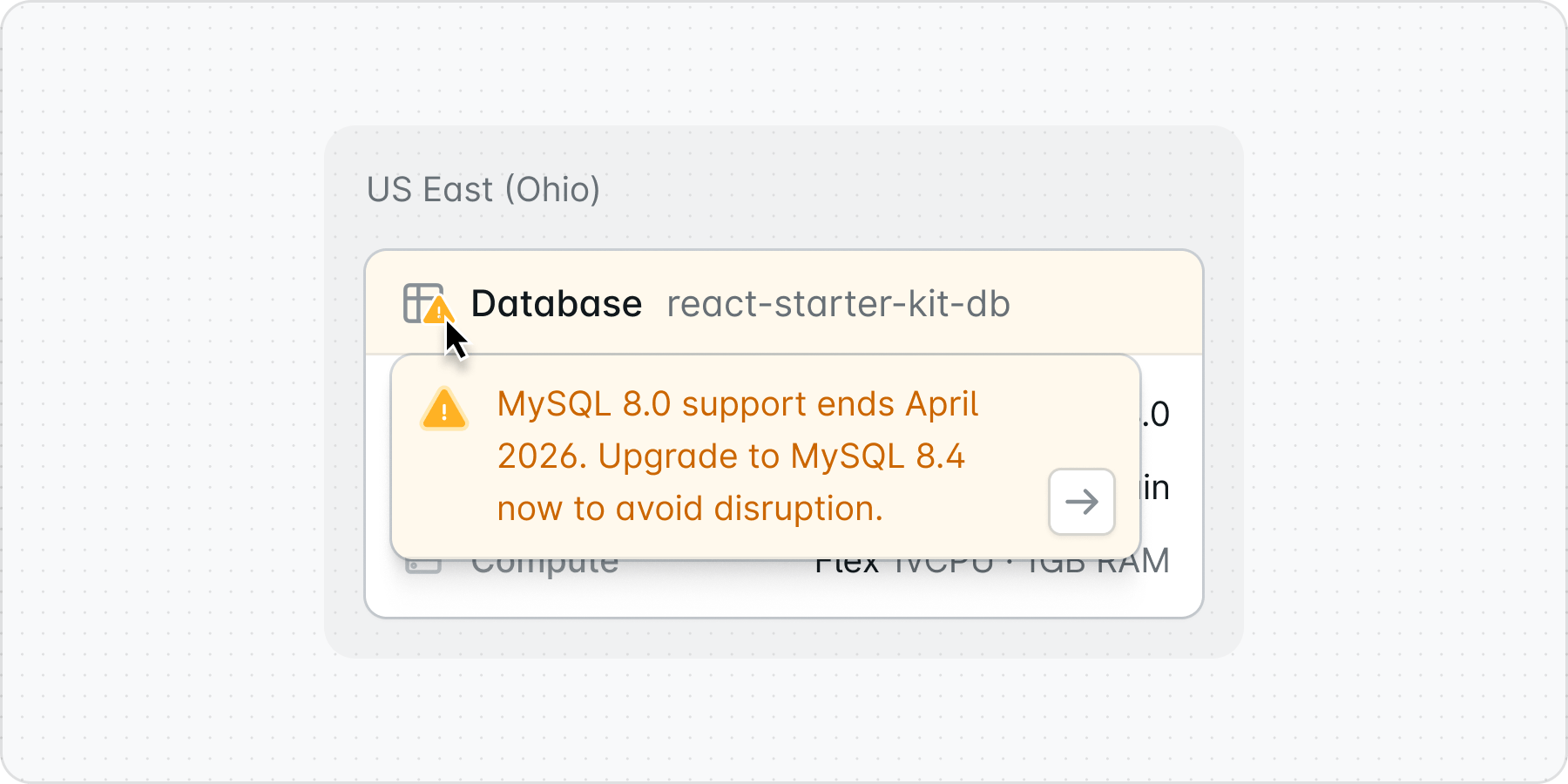
If your application is currently running on Laravel MySQL 8.0, please be aware that our MySQL 8.0 database version will reach end of life in April 2026 and will no longer receive security updates.To keep your database and application safe, we recommend upgrading to MySQL 8.4.MySQL 8.4 is the current long-term support release and ensures continued security updates, performance improvements, and long-term stability for your workloads on Laravel Cloud.Before upgrading, be sure to create a backup of your database.For complete upgrade instructions and guidance, please visit the documentation. For additional context and walkthroughs, you can also watch this Laravel Cloud Office Hours session.To avoid thinking about this in the future, we also recommend setting up a maintenance window for your database. This allows Laravel Cloud to apply updates automatically at a time that works for you, so you can concentrate on shipping.
Show Improvements
Sign in with Google SSO
Redesigned navigation
RDS Replicas, Postgres, Mysql now available for Private Cloud
Cloud API Expanded: Databases, Caches, Buckets, and WebSockets
The Laravel Cloud API now supports additional resources, including database clusters, caches, object storage buckets (and keys), and WebSocket clusters and applications. This expansion gives you programmatic access to more of your infrastructure, enabling you to automate provisioning, integrate Cloud into your CI/CD pipelines, and build custom tooling around your deployment workflows.Check out the API documentation to explore the available endpoints and learn how to get started.
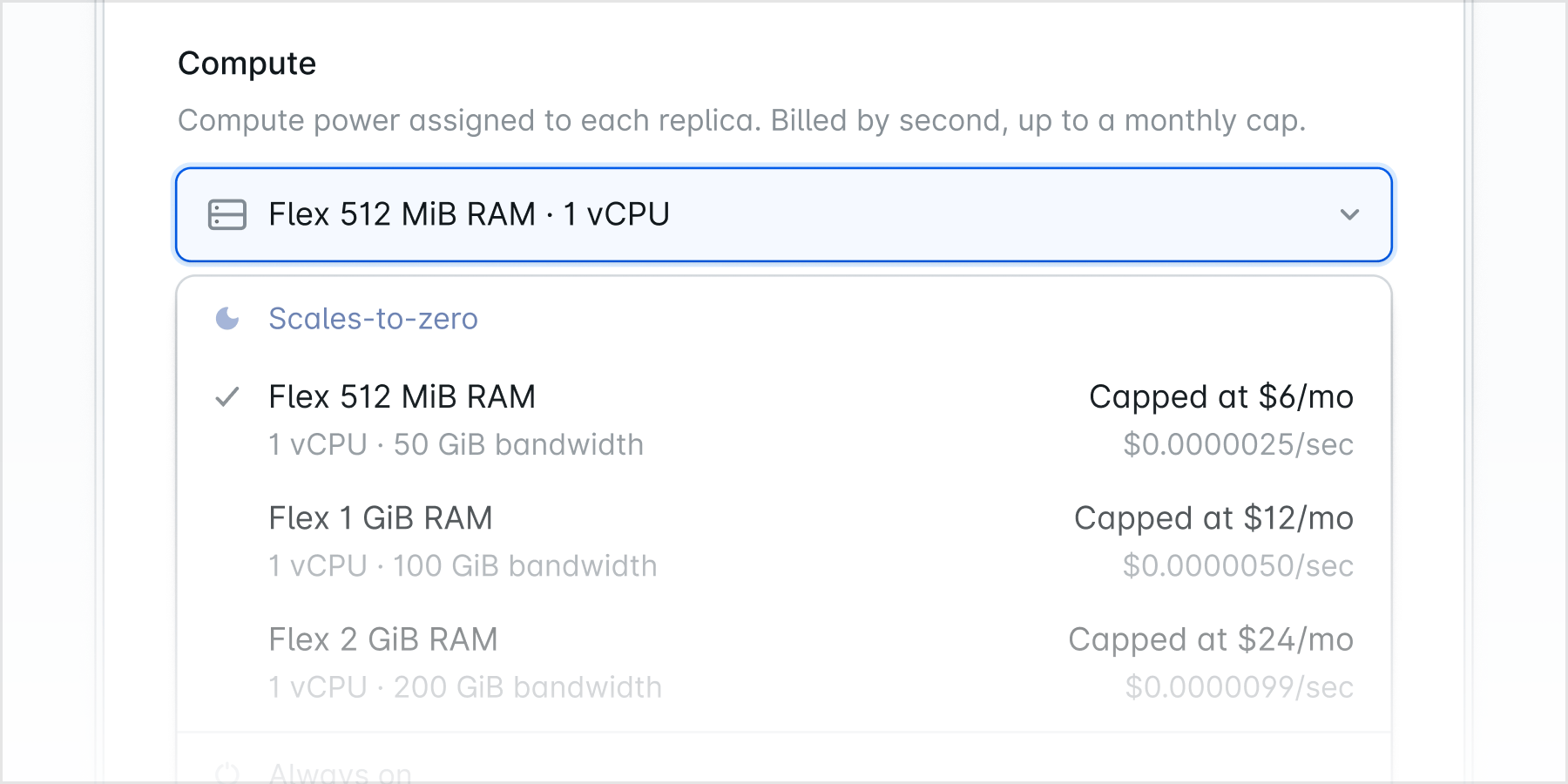
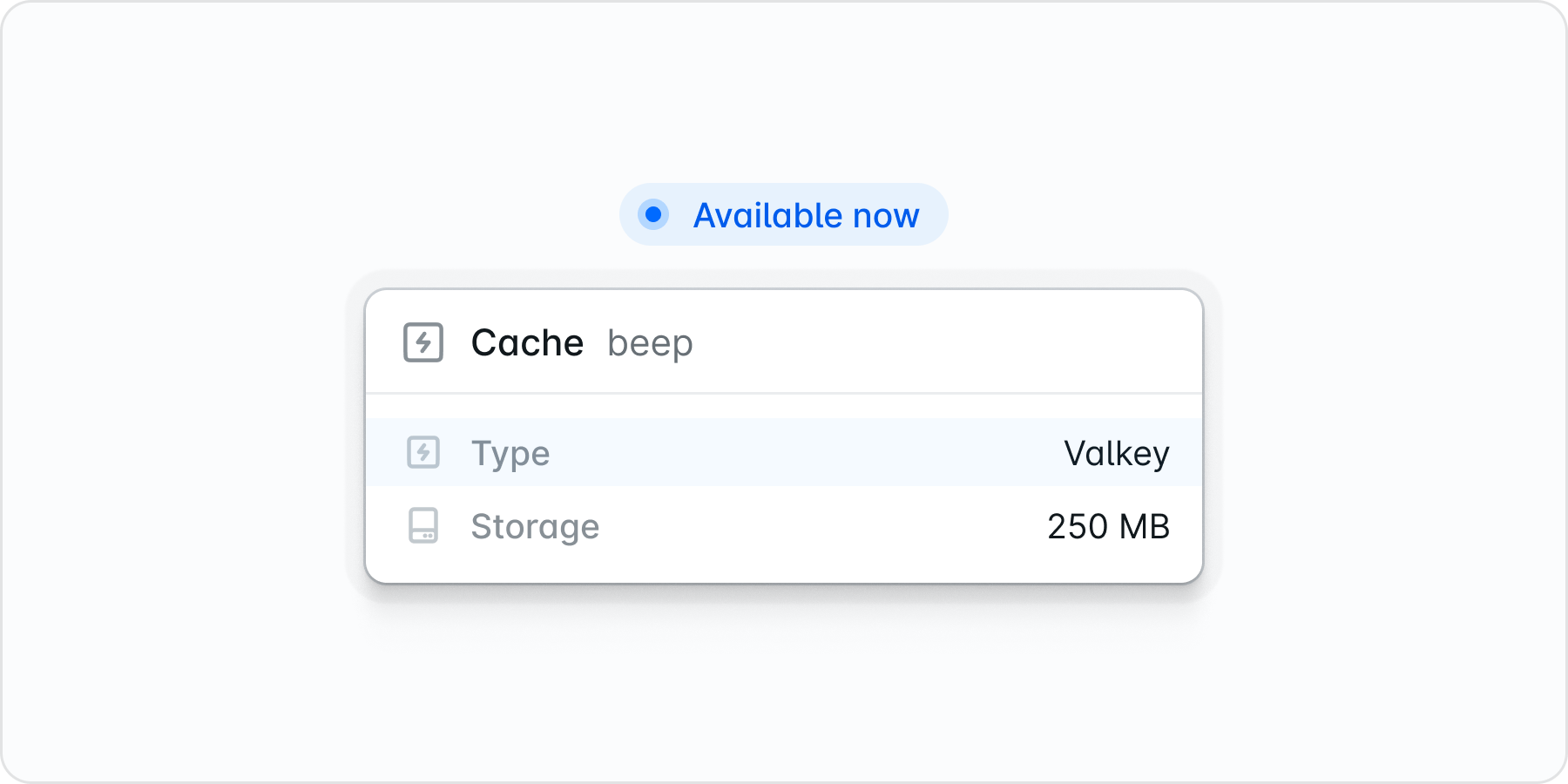
Laravel Valkey is now generally available on Laravel Cloud.With Valkey, you can provision fully managed, scalable cache instances for your Laravel applications with the same reliability and performance you expect from Cloud’s managed services. Its full compatibility with Redis protocols and commands allows for a seamless transition for existing Redis users.Building Laravel Valkey in-house has enabled us to tune every dial to ensure our solution outperforms standard Redis-compatible offerings:
Our benchmarks show Laravel Valkey delivers 20-50% lower latency than similar competitor offerings.
We’ve included a generous request size limit that is 5x to 20x larger than industry standards for the same price point as other providers.
Laravel Private Cloud offers fully isolated, enterprise-grade infrastructure operated by Laravel. Get your own dedicated Kubernetes cluster in a private AWS account with dedicated compute, private networking, static outbound IPs, and optional managed RDS databases.Key benefits:
Dedicated infrastructure: Isolated compute and networking with predictable performance.
Private Networking: Connect to AWS services privately with reduced latency.
Dedicated outbound IPs: Customer-specific IPs for whitelisting and compliance.
High availability: Three nodes across availability zones with automatic failover.
Built for compliance: SOC 2 Type II certified, designed for HIPAA and PCI-DSS.
Fully managed: Laravel handles operations so you can focus on your product.
Ideal for regulated industries and organizations with strict security or performance requirements. Includes Business Plan, 24/7 Artisan Support, and dedicated infrastructure. Custom pricing, typically cost-effective for $2,000+/month workloads.Check out the docs or contact sales to learn more.
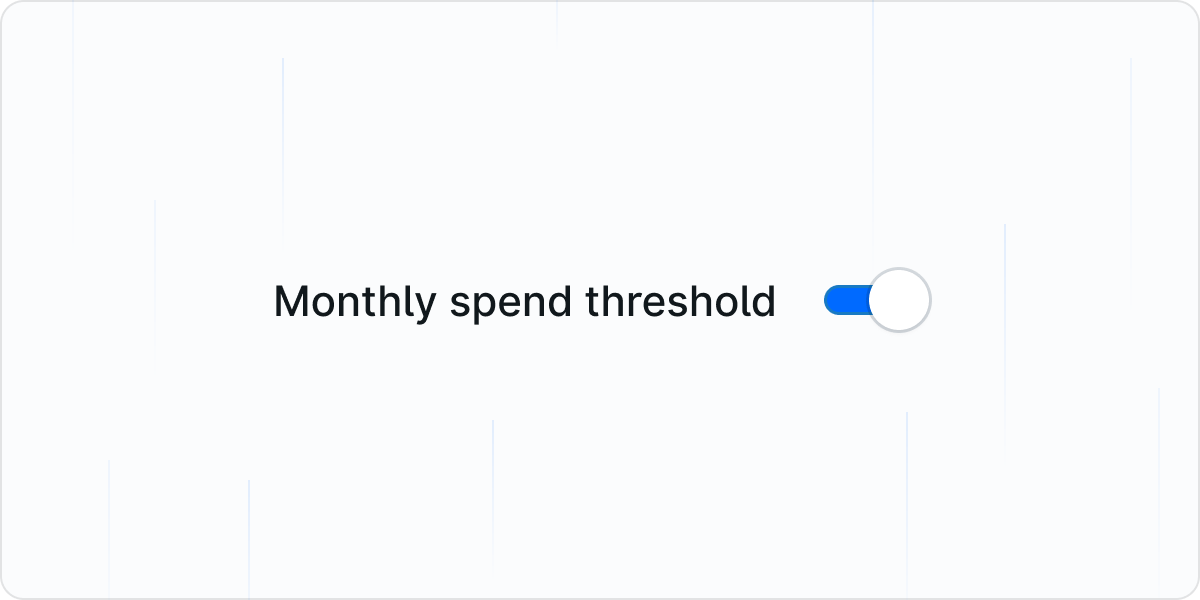
Stay in control of your cloud spending with billing alerts. You can now configure notifications to alert you when you cross spending thresholds, helping you manage your budget proactively and avoid unexpected costs.Learn more in the Billing Alerts documentation.
Show Improvements (7)
Added cache details and metrics pages, with more consistent canvas actions
Renamed “filesystems” to “buckets” across the UI and API, and added a bucket details page
Valkey now supports configuring an eviction policy
Improved Valkey auto-upgrade
Improved billing alerts
Multiple small deployment and UI polish improvements
Laravel Reverb-Powered WebSocket Is Now Generally Available
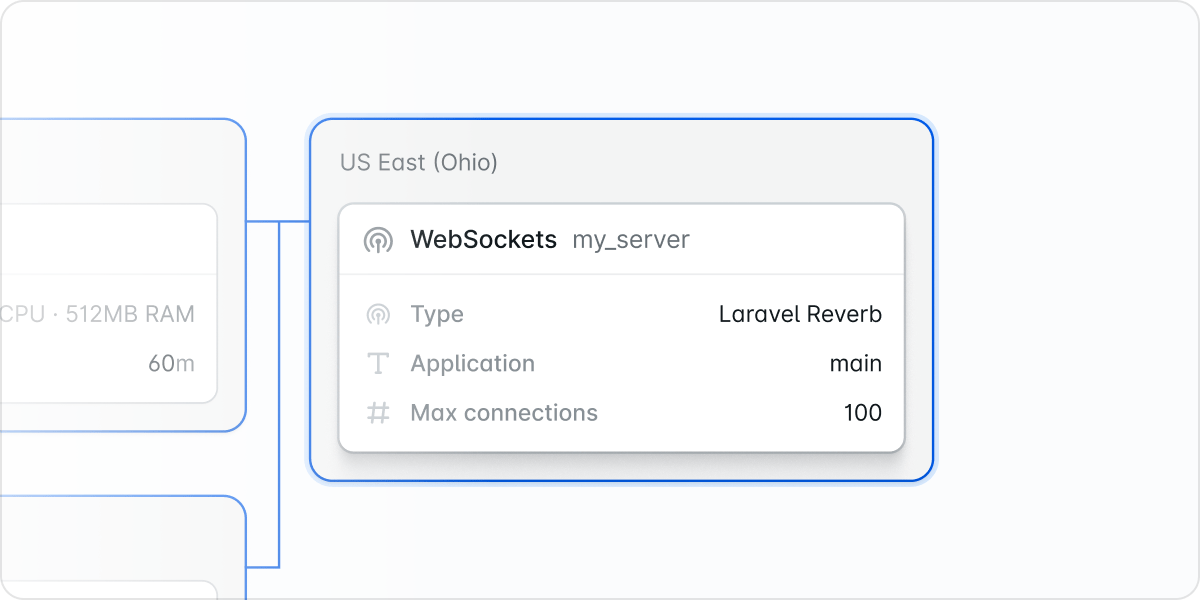
We’re excited to announce that WebSockets for Laravel Cloud is now generally available! Powered by Reverb, Laravel’s first-party WebSocket server, you can now bring blazing-fast, scalable real-time communication to your applications.Deploying Reverb on Laravel Cloud is effortless. Just enable it in your project settings, and Cloud handles the rest, including providing you with a handy dashboard so you can keep an eye on your WebSocket connections.With Reverb, you can build real-time features like live notifications, chat systems, and collaborative tools with the simplicity and elegance you expect from Laravel. It integrates seamlessly with Laravel’s broadcasting system and provides a drop-in replacement for services like Pusher and Ably.Check out the Reverb documentation to get started.
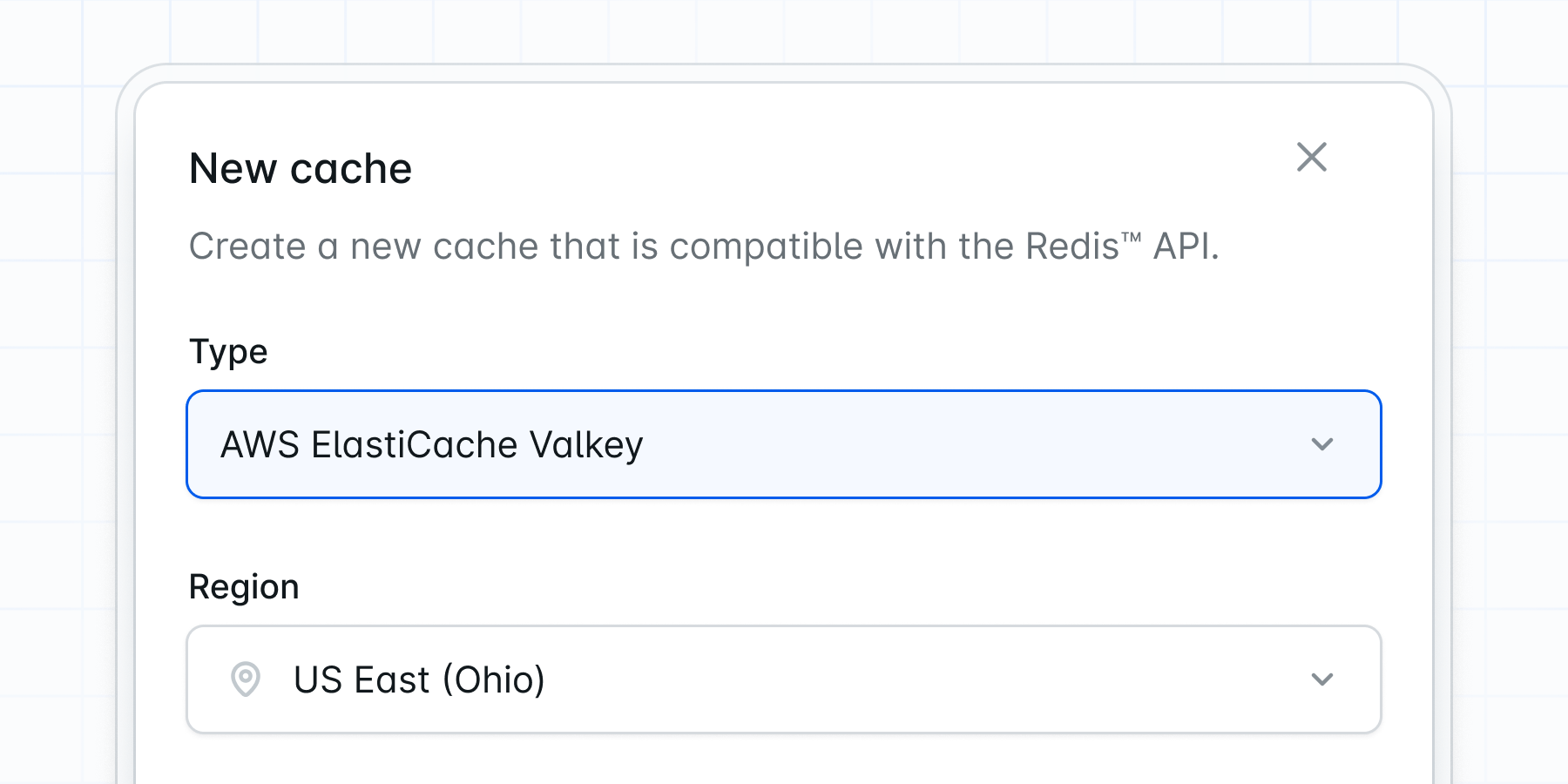
Laravel Valkey is now available in developer preview on Laravel Cloud! Valkey is a high-performance, open-source key-value data store that serves as a powerful alternative to Redis, offering the same performance speed and rich feature set you rely on.As a community-driven fork of Redis, Valkey maintains full compatibility with Redis commands and protocols, making it a seamless drop-in replacement for your existing Redis workloads. From caching and session management to queues and real-time analytics, it delivers the performance and reliability your applications demand.During the developer preview, you can experiment with Valkey on Laravel Cloud and experience its benefits firsthand. We’re committed to supporting open-source infrastructure, and Valkey represents our investment in providing you with the best tools for building modern web applications.Enable Laravel Valkey in your project settings and let us know what you think, or check out the docs to learn more.
We’re pleased to announce that Laravel Cloud is now available in the Canada region (ca-central)! Located in Central Canada, this new region brings Laravel Cloud’s powerful deployment platform closer to our Canadian users and anyone serving customers in Canada.With the Canada region, you can deploy your Laravel applications with reduced latency for Canadian users while ensuring compliance with data residency requirements.Deploying to Canada is simple: just select the ca-central region when creating a new project or provisioning new servers. All of Laravel Cloud’s features are fully available in this new region, including automatic scaling, zero-downtime deployments, and managed databases.See all the regions available in Laravel Cloud.
By popular demand, Laravel Cloud now supports the gRPC PHP extension, our most requested addition. The gRPC extension enables high-performance, low-latency communication with services like Firebase, Google Cloud APIs, and other gRPC-based backends directly from your Laravel applications.To enable gRPC in your app, simply redeploy. No additional configuration required. Check out all available PHP extensions on Cloud.
Show Improvements (7)
Business plan now available with increased domain limits
PHP 8.5 available (pdo_sqlsrv support coming soon)
Serverless Postgres lower pricing
Redesigned build & deploy
Node 24 available
25GB Laravel Redis cache option
Improved cache usage page
Show Fixes (5)
Fixed domains missing on Cloudflare not being marked as failed
The Laravel Cloud API is now available in early access, giving you programmatic control over your Laravel Cloud infrastructure. This powerful API allows you to automate deployments, manage environments, configure domains, and much more—all from your own applications or scripts.With the early access release, you can manage key aspects of your Laravel Cloud setup, including applications, environments, deployments, domains, commands, instances, and background processes. Contact our support team for EA
We’re excited to announce that Laravel Cloud is now available in the Europe (Ireland) region. This expansion brings improved performance and reduced latency for applications serving users across Europe and the UK.Ireland joins our growing global infrastructure, offering you more flexibility to deploy your Laravel applications closer to your European audience. This strategic location provides excellent connectivity throughout the region and seamless integration with other services.To deploy to Ireland, simply select “Europe (Ireland)” when creating a new environment or server. Existing applications can be migrated to take advantage of this new region’s benefits. See all regions
We’re excited to announce that WebSockets for Laravel Cloud, powered by Laravel Reverb, is now available in developer preview.This marks our first managed WebSocket offering, allowing you to easily add Reverb’s real-time capabilities to your Laravel application without the complexities of managing your own infrastructure.All it takes is a few clicks in Cloud: select the desired number of concurrent connections, attach the resource to your environment, and you’re off. Learn more
Advanced Rate Limit Rules Now Available For Business Plan
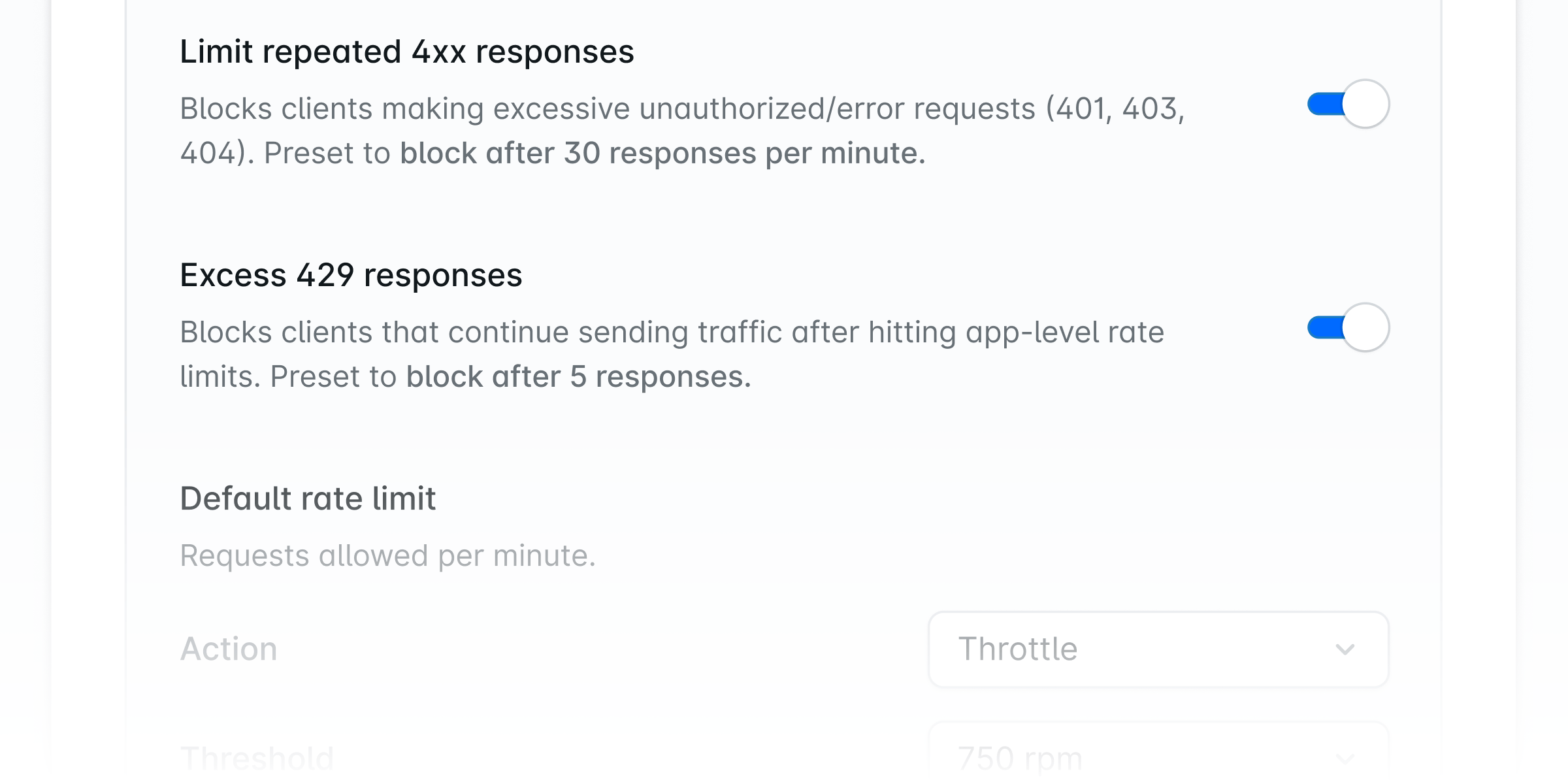
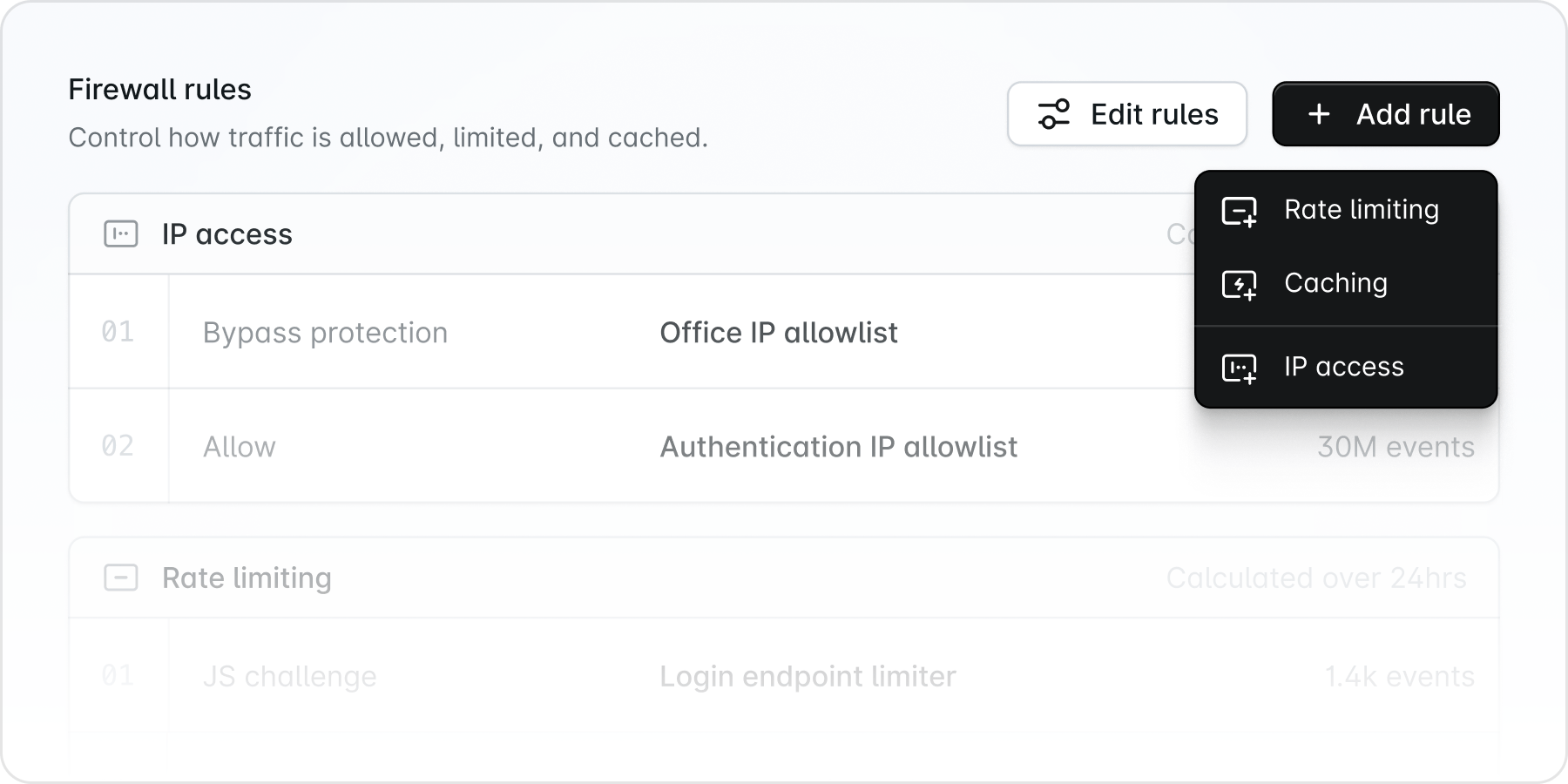
Customers on our Business plan now have access to advanced rate-limiting rules within their Web Application Firewall (WAF). These enhanced features provide more granular control over rate limiting, allowing you to customize triggers, actions, and bot protection settings to better secure your applications.With advanced rate limiting, you can define thresholds for request rates, set custom responses for rate-limited requests, and fine-tune bot protection mechanisms to distinguish between legitimate traffic and malicious bots. This level of control helps you protect your applications from abuse while ensuring a smooth experience for genuine users. Contact our support team to upgrade
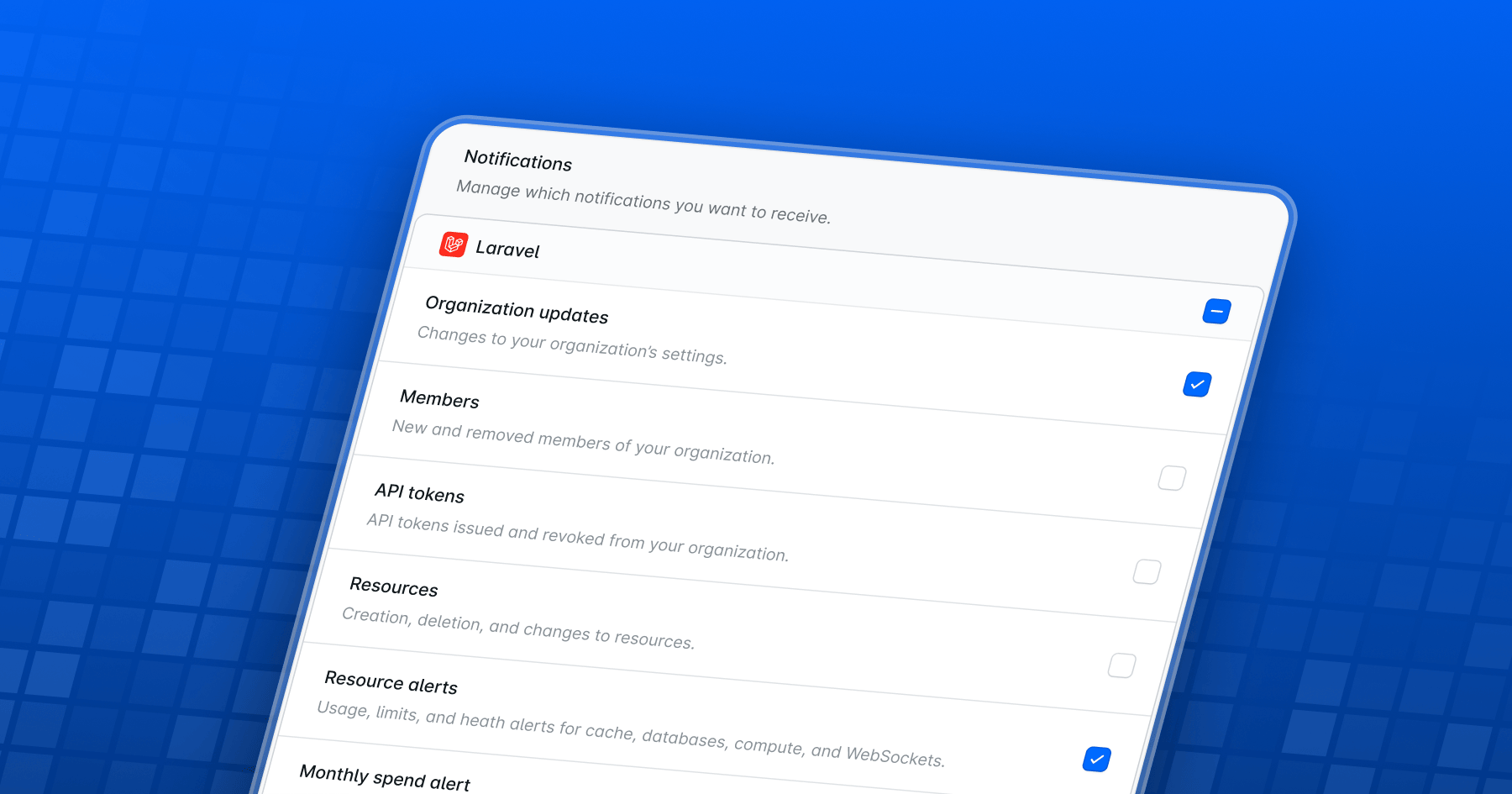
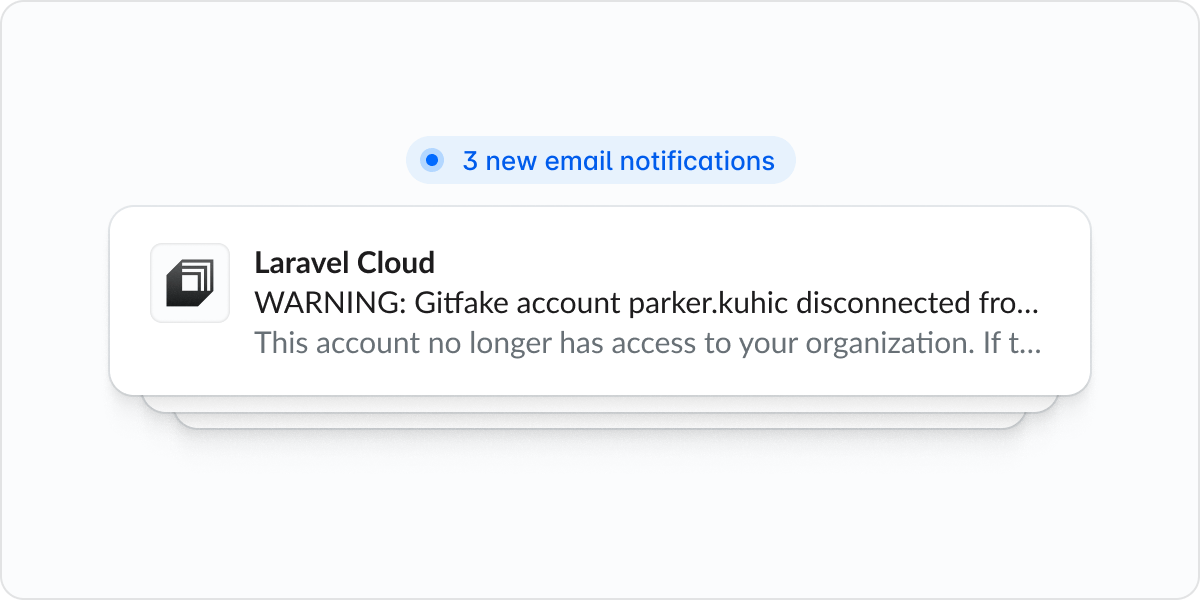
You can now configure email notifications in Laravel Cloud to stay informed about important events across your organization and applications. Access notification preferences by clicking on Account under your profile and navigating to Notifications.Email notifications are available for a wide range of events, including organization changes, team member updates, API token activity, application and environment management, resource alerts, deployment status, and payment notifications.By default, you’ll receive notifications for resource alerts, failed deployments, and failed payments. You can easily customize which notifications you receive by toggling your preferences on or off at any time. Manage email notification preferences
Show Improvements (4)
Improved loading speed of source control repository selection
We’re excited to announce that Laravel Cloud is now available in the US East (Virginia) region! This expansion means reduced latency and improved performance for applications deployed in the eastern United States.Virginia joins our growing list of regions, providing you with more options to deploy your Laravel applications closer to your users. This strategic location offers excellent connectivity across the eastern seaboard, enabling seamless integration with other AWS services in the region.To deploy to Virginia, simply select “US East (Virginia)” when creating a new environment or server. Existing applications can be migrated to take advantage of this new region.See all regions
Laravel Valkey is our new managed Redis offering that gives you a high-performance, fully managed key-value database right out of the box. With different sizes available, you can easily find the right fit for your application’s needs, whether you’re handling a small project or a large-scale, enterprise-level workload.Laravel Valkey is available in early access. To request access, contact our support team.
The Laravel Cloud team has a number of features launching this fall. Keep an eye out for Reverb, the Cloud API, a new region in Ireland (eu-west-1), and an Advanced Web Application Firewall.
We’ve updated Laravel Cloud’s pricing plans. Starting on August 13, the Starter (formerly Sandbox), Growth (formerly Production), and Business plans now offer smarter usage-based billing and richer defaults like custom domains on Starter and Pro-class compute on Growth and Business. Bandwidth now scales with compute usage and is shared across environments, making billing more transparent and aligned with actual value.Learn more about the new pricing
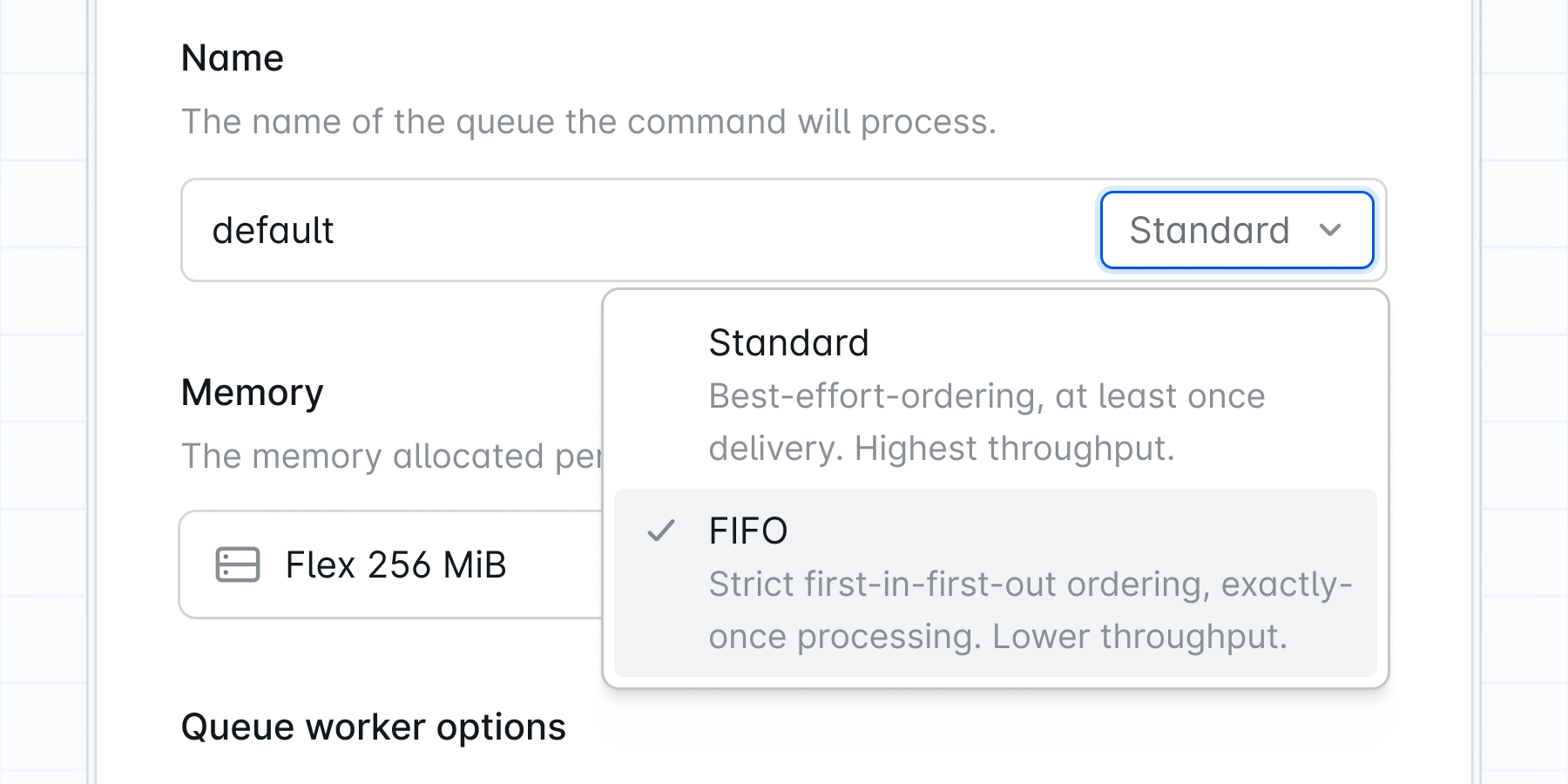
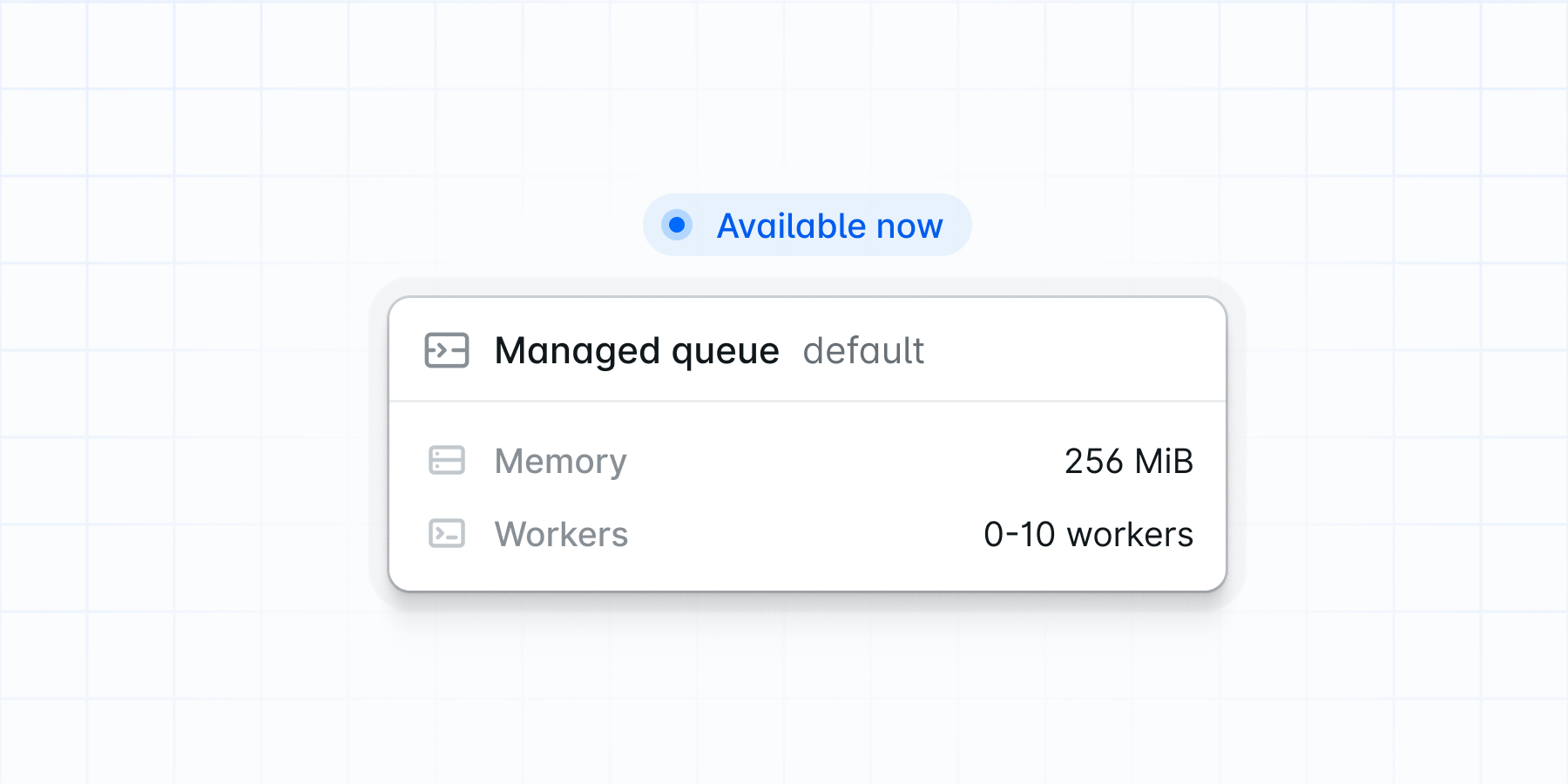
Laravel Cloud now supports a third cluster type (in addition to App and Worker clusters) built specifically for queue workloads. Available for testing in developer preview, these Queue clusters fully manage and autoscale Laravel queue workers, tracking CPU, memory, job throughput, and backlog in real time to determine how many workers and replicas your application needs.Autoscaling is latency‑driven: when queue wait time exceeds your threshold, capacity is automatically added, and once latency improves, the cluster scales back to reduce cost. This removes the guesswork of sizing queue workers manually while optimizing for both performance and savings.Read the docs
SOC 2 Type 2 is a compliance framework created by the American Institute of Certified Public Accountants (AICPA) that evaluates how organizations secure and protect customer data. The framework consists of five Trust Services Categories (TSCs) with specific criteria for assessing an organization’s controls and service commitments.Laravel Cloud has achieved SOC 2 Type 2 attestation for Security, Confidentiality, and Availability.More information is available at trust.laravel.com.
We’re thrilled to announce that Laravel Cloud is now available in the Sydney (ap-southeast-2) region, expanding our global coverage to better serve customers in Australia and the broader Asia-Pacific area. This new region offers lower latency and improved performance for applications serving users in this part of the world.Deploying to Sydney is as simple as selecting “Asia Pacific (Sydney)” when creating a new app. Existing customers can continue using their current regions, while new projects targeting Australian and APAC users can benefit from this regional deployment option.Learn more
Show Improvements (4)
Enabled Slack notifications in private channels
Delete MySQL scheduled snapshots
Warnings when deleting environments with attached resources
You can now provision production‑ready MySQL instances with compute ranging from 1 CPU/512 MB RAM up to 8 CPU/32 GB RAM, and storage tiers from 5 GB to 1 TB. Automated daily backups are included, with retention configurable up to 30 days for standard plans and extended retention available on Enterprise plans.Read the docs
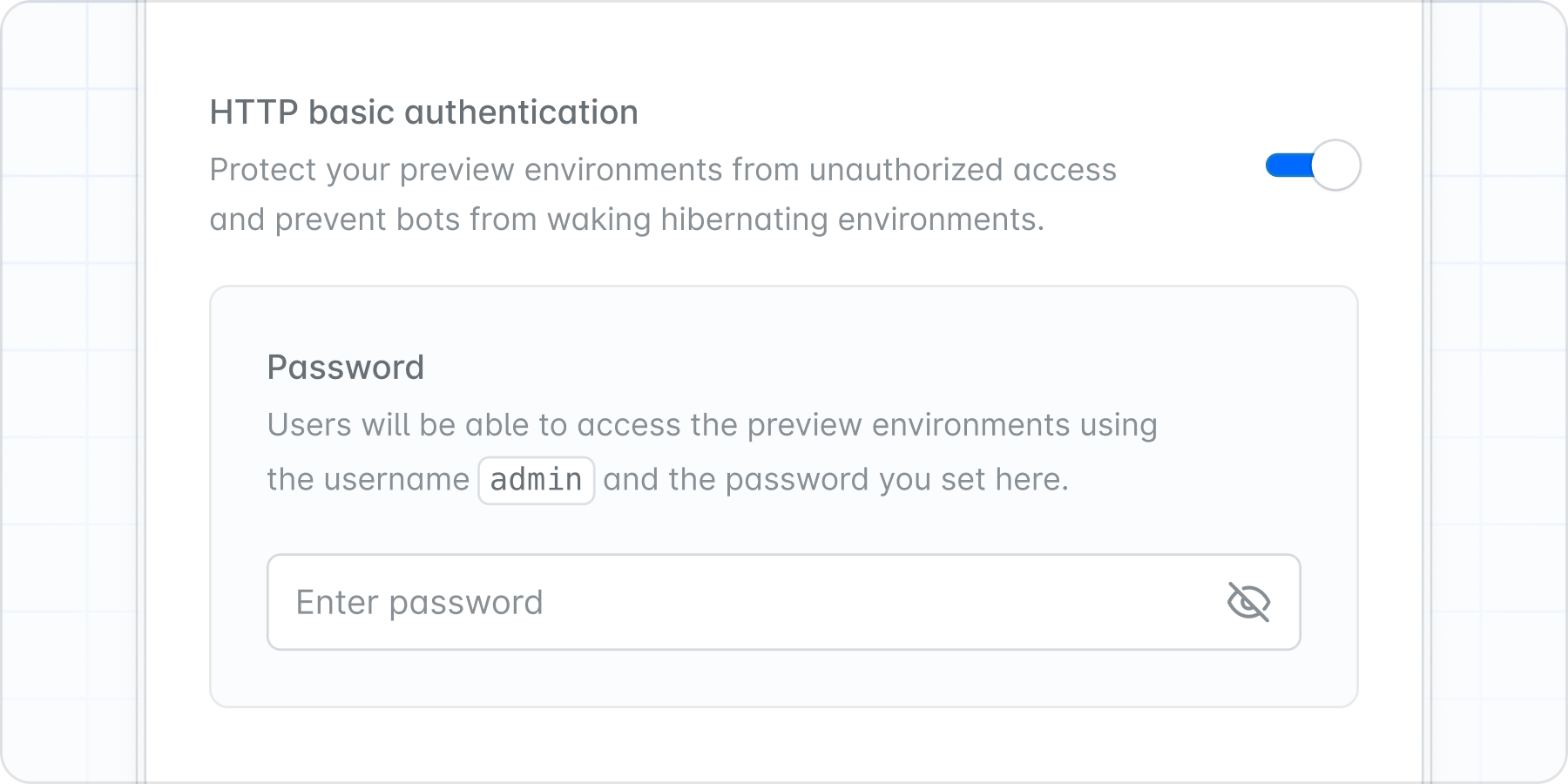
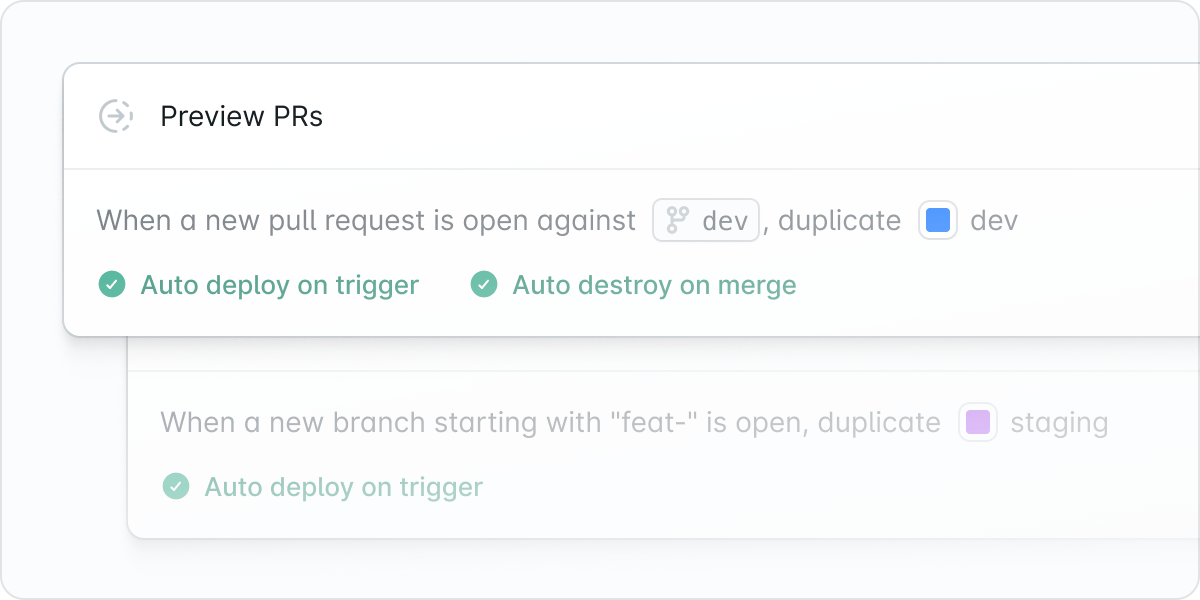
Preview environments are now available on Growth, Business, and Enterprise plans. For every pull request, Laravel Cloud automatically spins up a fully isolated production‑like environment. You can mirror your live app using either shared or dedicated databases, configure filters to limit previews by branch or PR, and run custom deploy steps such as migrations or seeders.Auto‑cleanup can be enabled to delete environments when PRs close or merge, so you only pay for active environments. These features help you catch bugs early, collaborate across teams, demo confidently, and ship with certainty.Read the docs
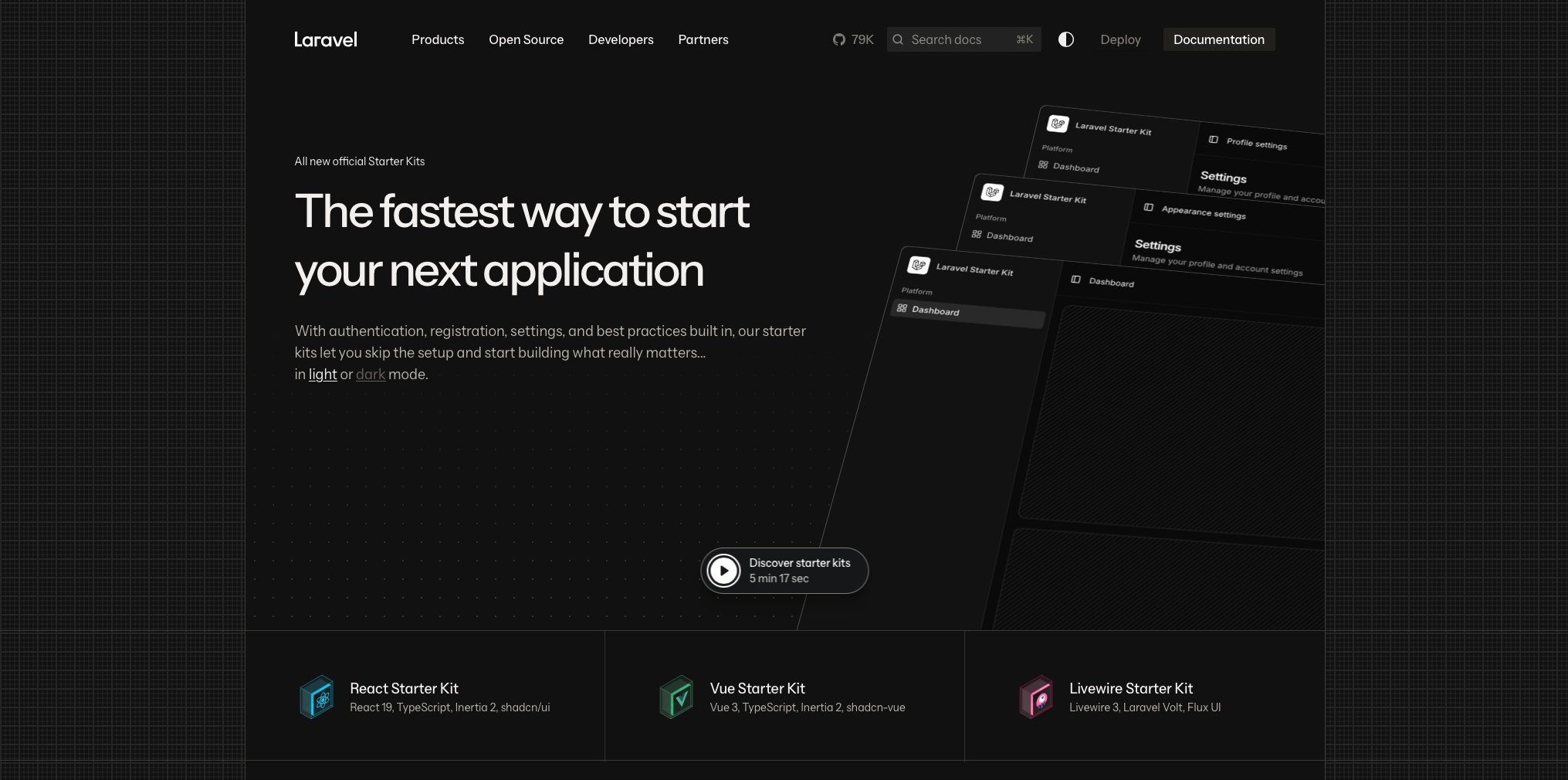
You can now deploy production‑ready Laravel applications in under five minutes using the new official Laravel Starter Kits for Laravel, Livewire, React, and Vue. Select a stack, choose a region, customize repository name and visibility, and Laravel Cloud handles the repo creation, deployment configuration, and infrastructure setup.All templates come directly from Laravel’s official GitHub. No existing repository is required. This greatly simplifies launching demos, prototypes, or new apps without setup friction.Learn more about the Laravel Starter Kits
Show Improvements (4)
Improved repo searching when creating new apps
Added 6-hour period option for metrics viewing
Improved MySQL charts
Better validation running commands during deployments
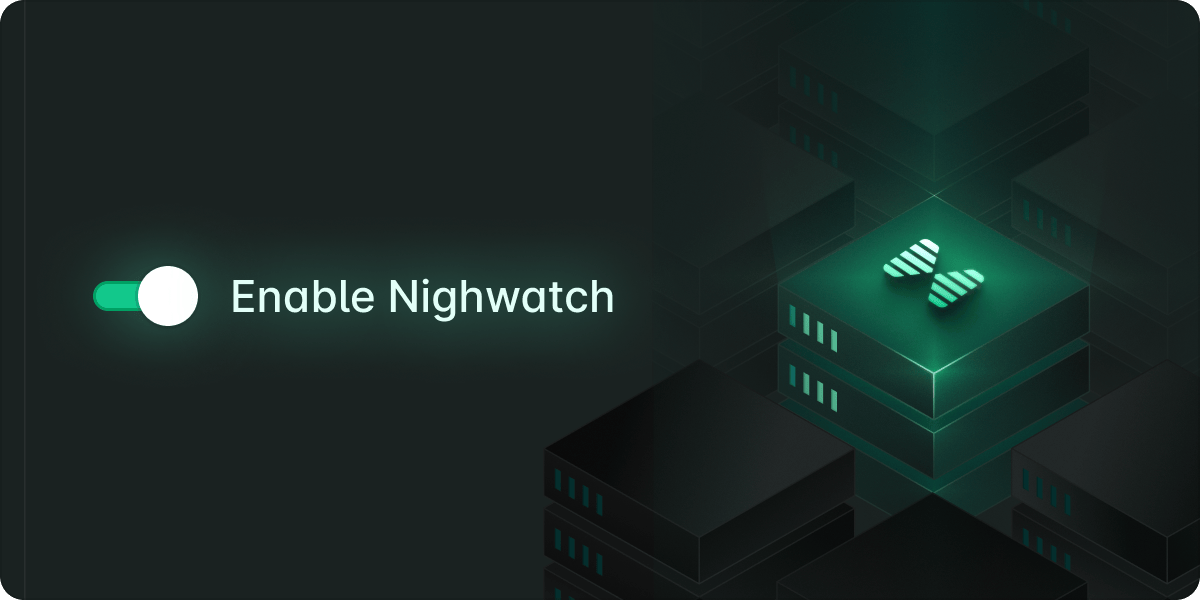
You can now quickly enable Laravel Nightwatch monitoring in your Cloud environment canvas with a single click. This new integration runs Nightwatch across all your App and Worker clusters and automatically injects the correct .env settings so you can get up and running (or edit your sampling threshold) faster.Start monitoring with Nightwatch
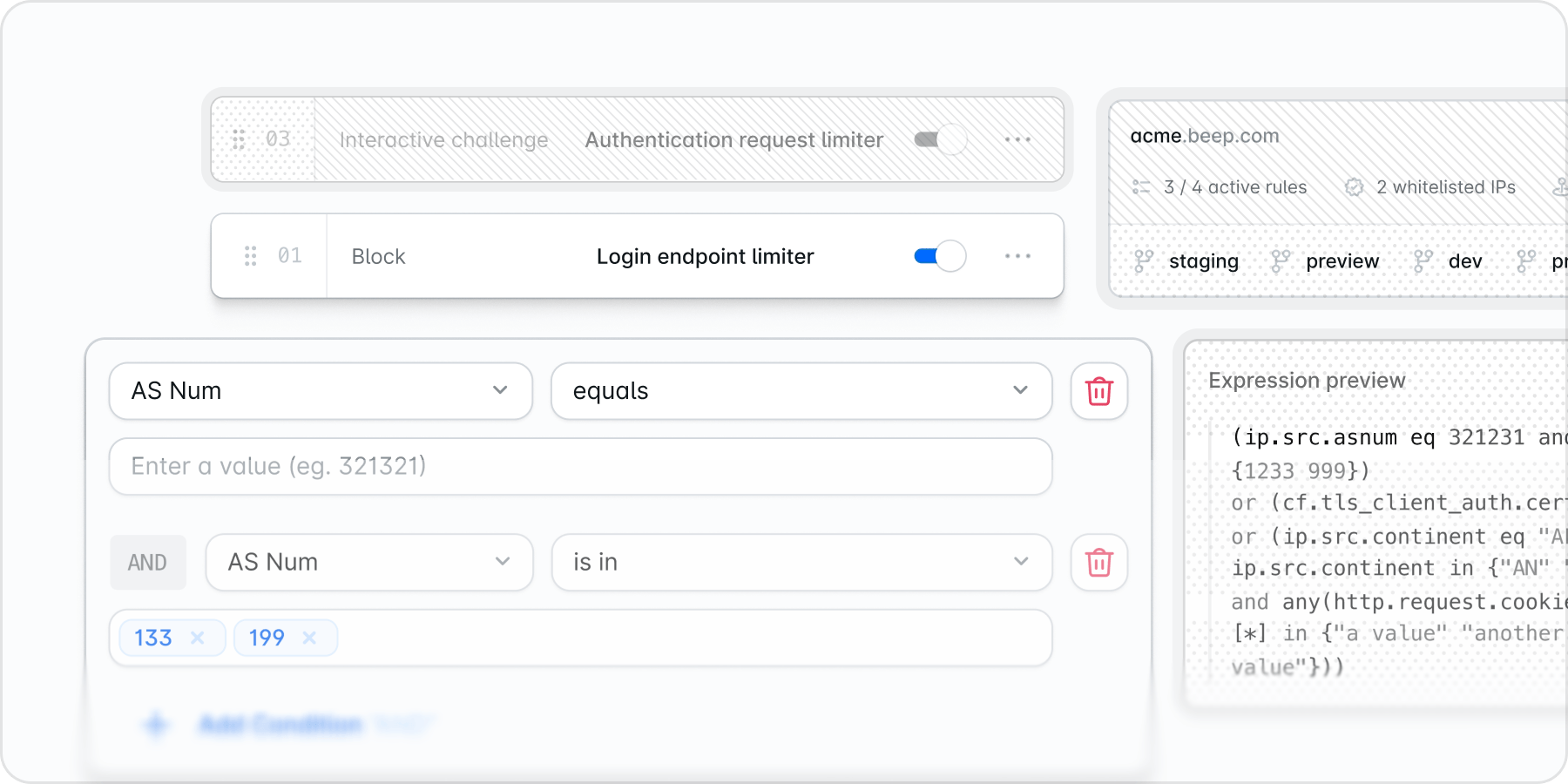
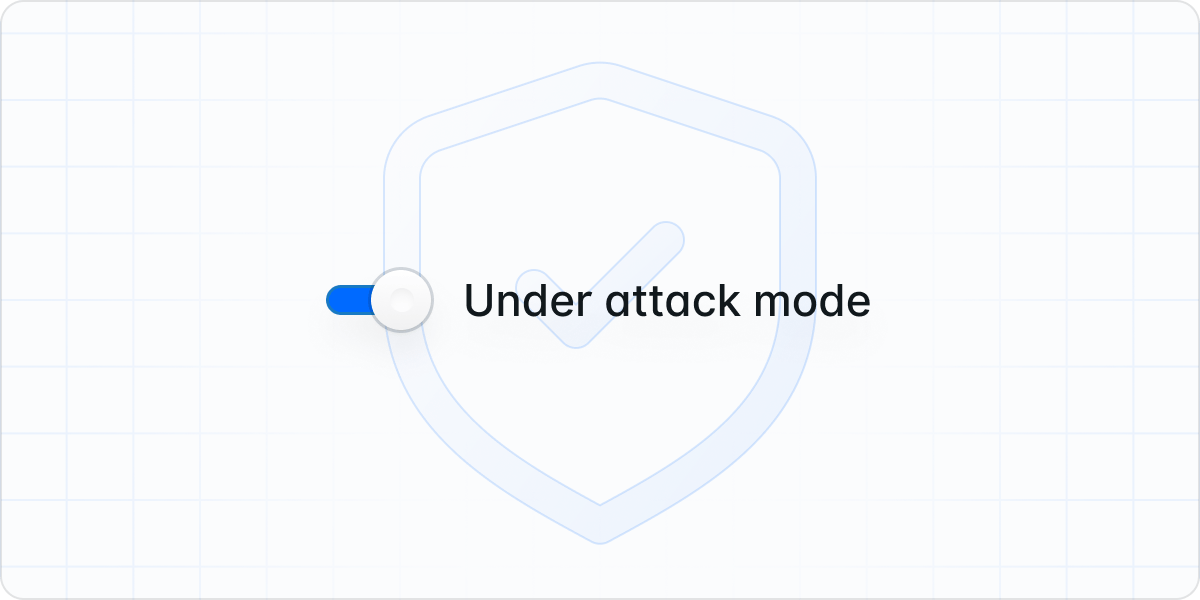
We’ve enhanced DDoS protection with an optional Under Attack Mode you can enable during periods of unusual traffic. While DDoS attacks are automatically detected and mitigated, this mode provides an additional layer of protection when you want to safeguard your app proactively.When active, access to your app is restricted, and visitors are presented with a JavaScript challenge before they can reach your app. The feature automatically expires after 24 hours to help prevent unintentional enablement. To enable Under Attack Mode, head to your environment, click on Network, and then Web Application Firewall settings.Learn how to set up Under Attack Mode
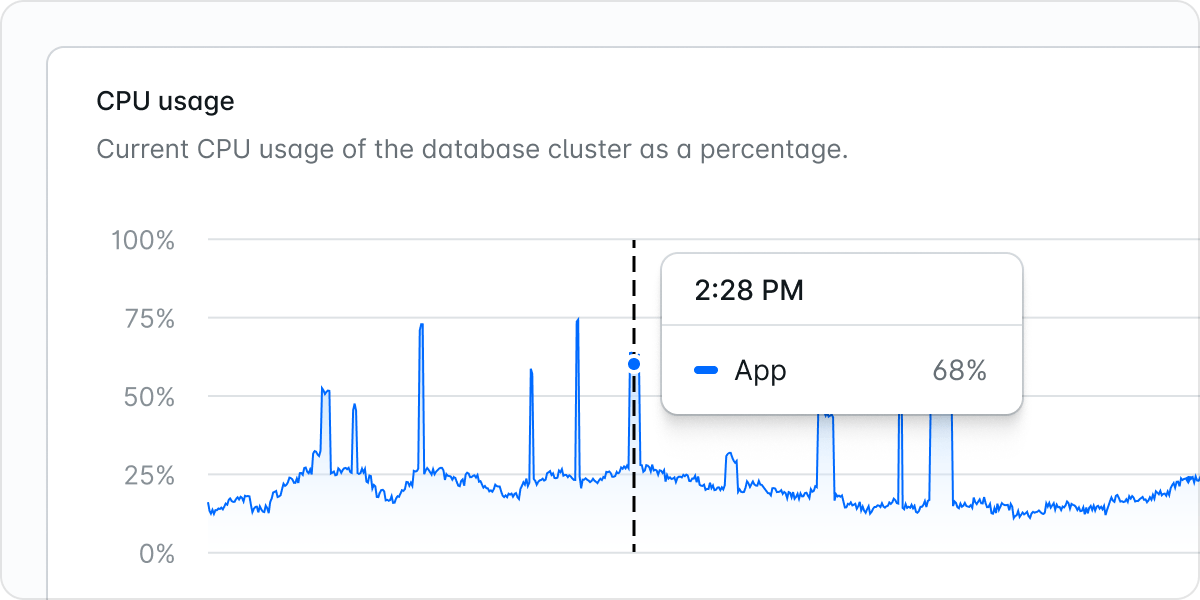
We’ve updated our metrics to offer a more detailed and granular view of resource usage. CPU and memory charts have been refined to highlight trends and spikes, enabling more informed decisions about scaling and optimization. For example, memory charts now display total cache storage usage instead of average cache usage, meaning that if you have one or more replicas, you will now see each replica’s memory usage instead of the average memory.Check your app’s performance
You can now view real-time CPU, memory, and storage metrics for your MySQL databases. Navigate to your environment, click Resources, and then hit the Cluster card to see all metrics. This addition gives you a fuller picture of database performance and is one of several steps we’re taking as we move closer to MySQL’s general availability. If you’re using MySQL in Laravel Cloud, this brings deeper visibility and greater operational confidence.Check your MySQL database performance
Show Improvements (5)
New 500gb cache type
Added notifications to command palette
Archive MySQL databases
Improved Slack notifications adding MySQL and Cache alerts
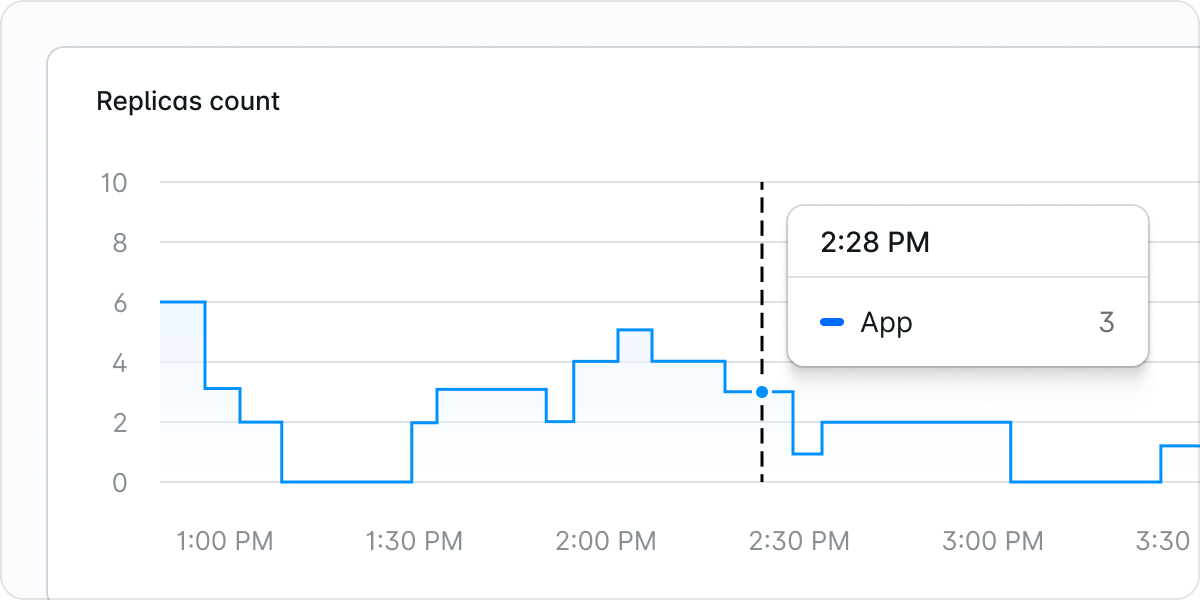
You can now view a replica count chart in your environment’s Metrics tab that shows exactly when autoscaling occurs in your Laravel Cloud applications. The step chart visualizes how each of your App and Worker clusters scale from one to multiple replicas. You can also see when your application was scaled to zero and not incurring compute usage costs due to being stopped manually or hibernating automatically (requires Hibernation to be toggled on). This update helps provide clearer performance and billing insights for each of your Cloud environments.
Laravel Cloud’s Redis-compatible key-value stores can now be configured to scale up automatically when usage limits are met. Instead of hard limits that could lead to downtime and require manual intervention, caches can now upsize with zero downtime as they approach monthly data transfer or usage thresholds such as simultaneous connections, commands per second, record size, and request size. Opt in to auto-upsizing by toggling on the “Automatically Upgrade” option of your new or existing Laravel Cloud caches.

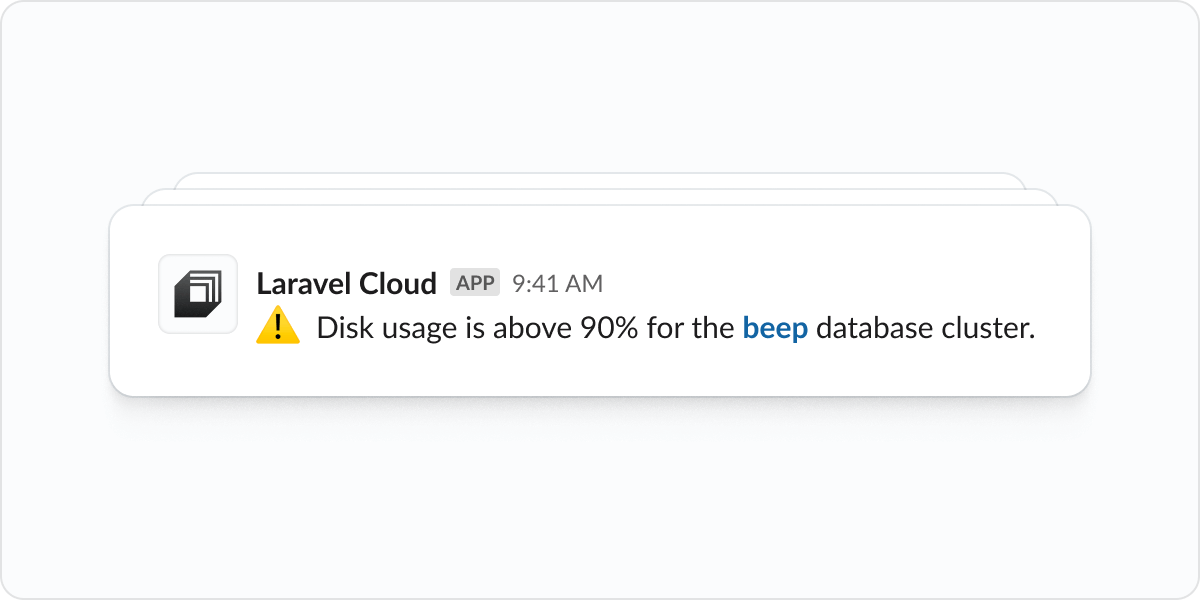
Slack notifications now include a new “Resource Alerts” category for critical runtime issues. You’ll receive real-time alerts anytime CPU, RAM, or disk usage nears its limit or when your compute crashes, making it easier to identify and respond to issues quickly. Set up Slack notifications in Laravel Cloud and opt in to Resource Alerts to make sure you are the first to know when your applications are at risk of downtime or performance degradation.
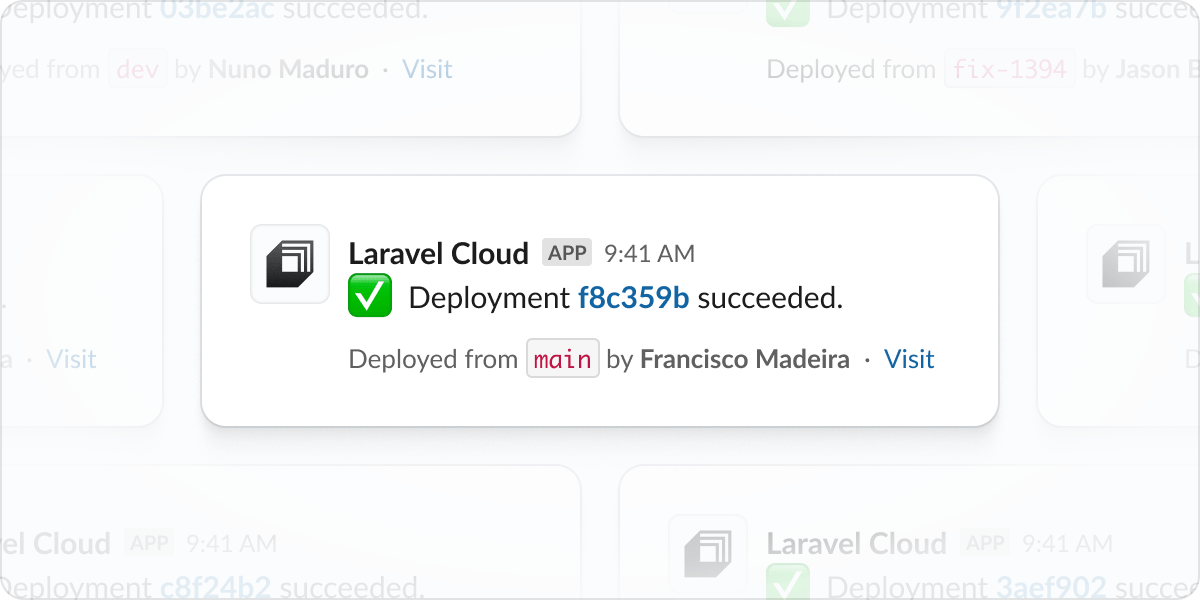
Connect Laravel Cloud to your Slack workspace to receive notifications about your organization and application. Organization settings include notifications about resources (new database, new application, etc.) and membership requests. Application settings include notifications about deployment success, environment settings, domain verification and more. You can configure application and organization notification to go to specific channels.
Connect your Slack workspace to Laravel Cloud
The Usage page now includes an Allowances tab that shows your overall utilization of your plan’s included usage. The Applications tab now also includes bandwidth usage (requests & data transfer) for each application. Paired with Invoice Previews, you can now deeply understand usage across your applications.
View Your Usage
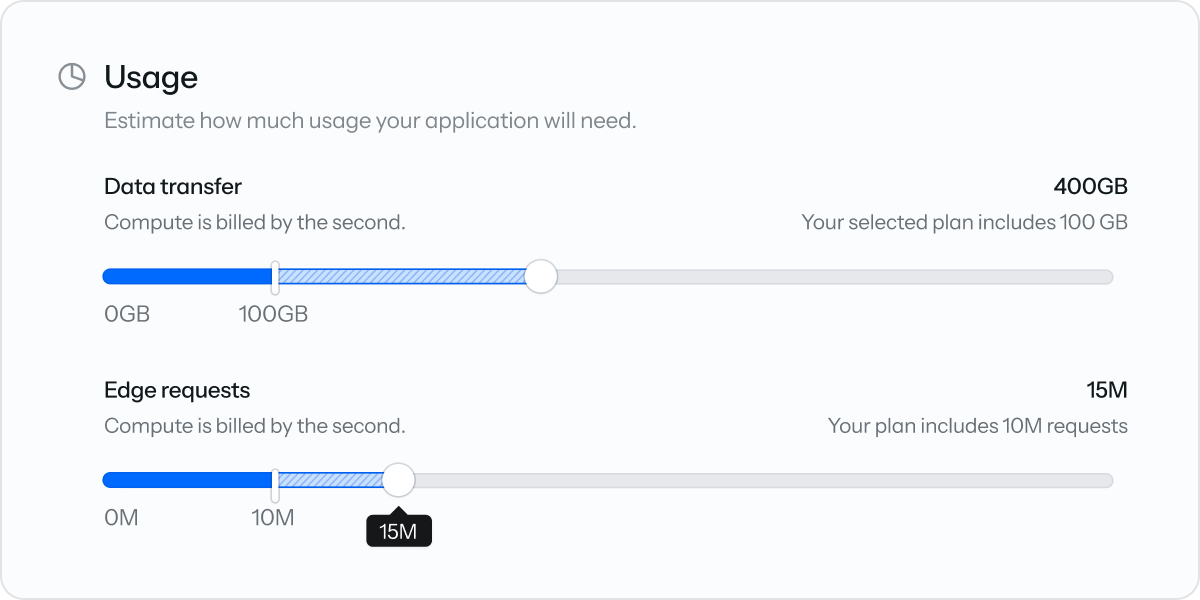
Our pricing calculator allows you to estimate your costs on Laravel Cloud, before you even start deploying. Choose from our preset options (personal blog, SaaS app, etc) or customize everything and choose the compute and resources that work best for your application.
Try the pricing calculator
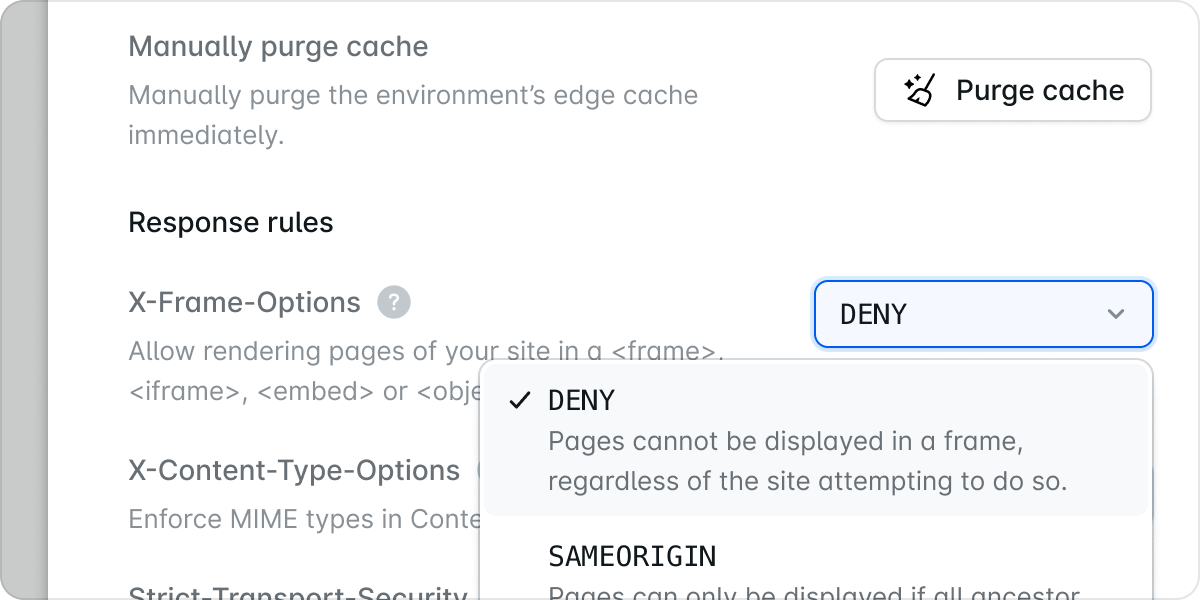
You now have greater control of over your cache and response headers. All Cache-Control and Expires headers set by your application now be fully respected. In addition, you can choose when to purge your Edge Network cache - either manually or automatically on each new deploy. You can also choose to bypass the cache entirely. Finally, you can also override certain response headers like X-Frame-Options, X-Content-Type-Options, and Strict-Transport-Security directly in the Cloud environment canvas.
Learn more
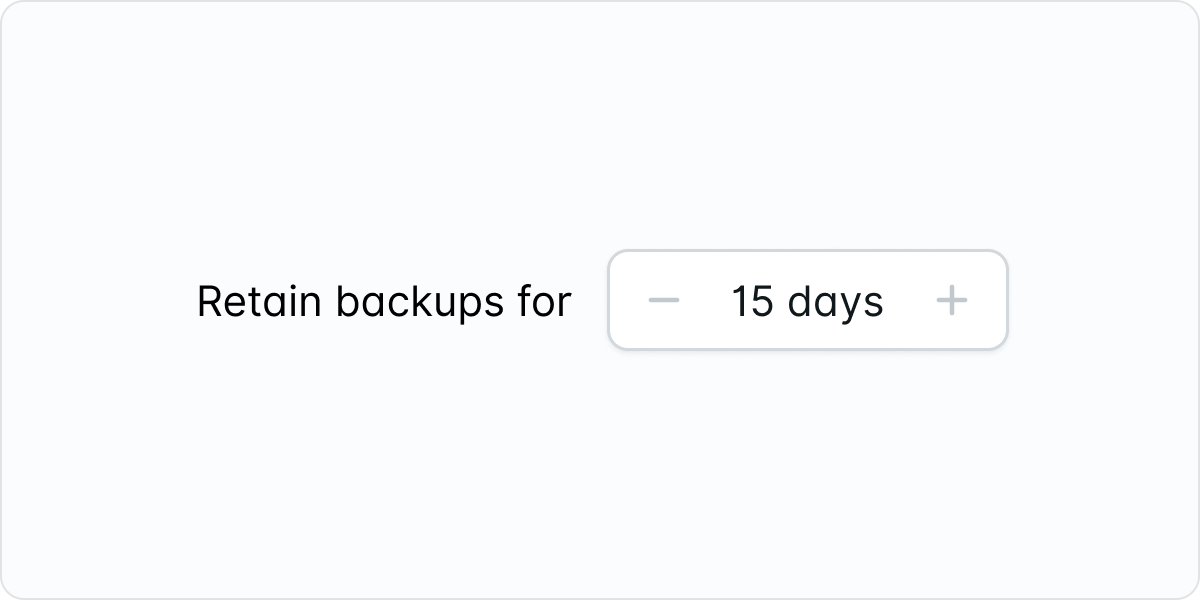
Laravel Serverless Postgres now allows setting a backup retention window between 0 to 30 days. Previously it was a fixed 7-day window with no flexibility to change the window or opt-out. Choose a backup window that works for your application and save money on storage if your application doesn’t require backups at all.
Learn more
Show Improvements (6)
Hibernation is now enabled by default for all new environments on the Sandbox plan.
Add infinite scrolling for Logs.
Introduced full page layout for database UI.
Added organization restricted, suspended, and terminated billing states.
Improved Invoice Preview UI.
Individual chart lines on Metrics pages can now be enabled / disabled.
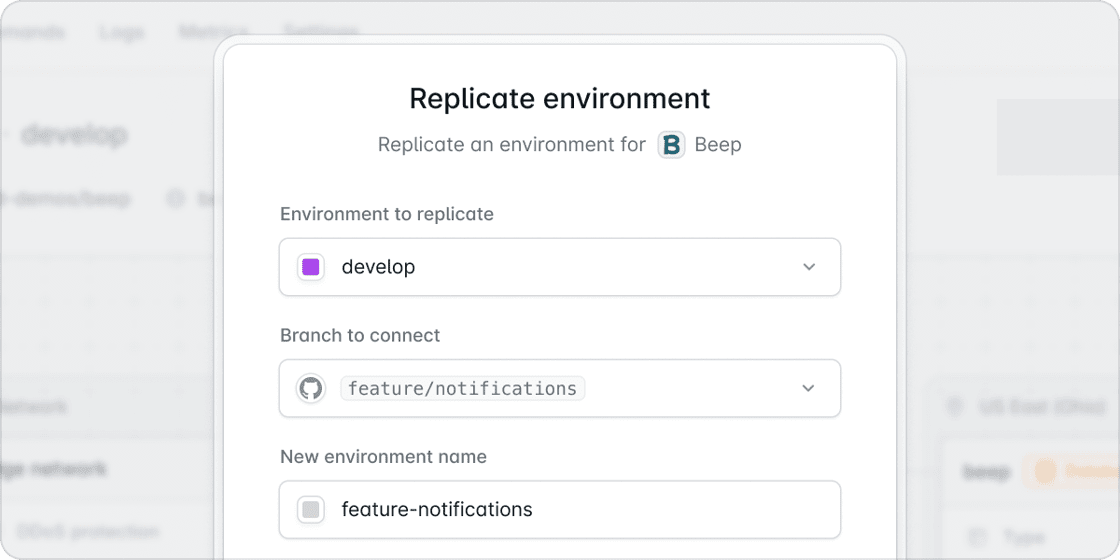
Create copies of existing environments with all configuration intact. This is an important step towards the team shipping automatic preview environments. This allows you to quickly spin up testing environments, create staging replicas of production, or set up identical workspaces for team members. Replication saves time and ensures consistency across your development workflow.
Learn more
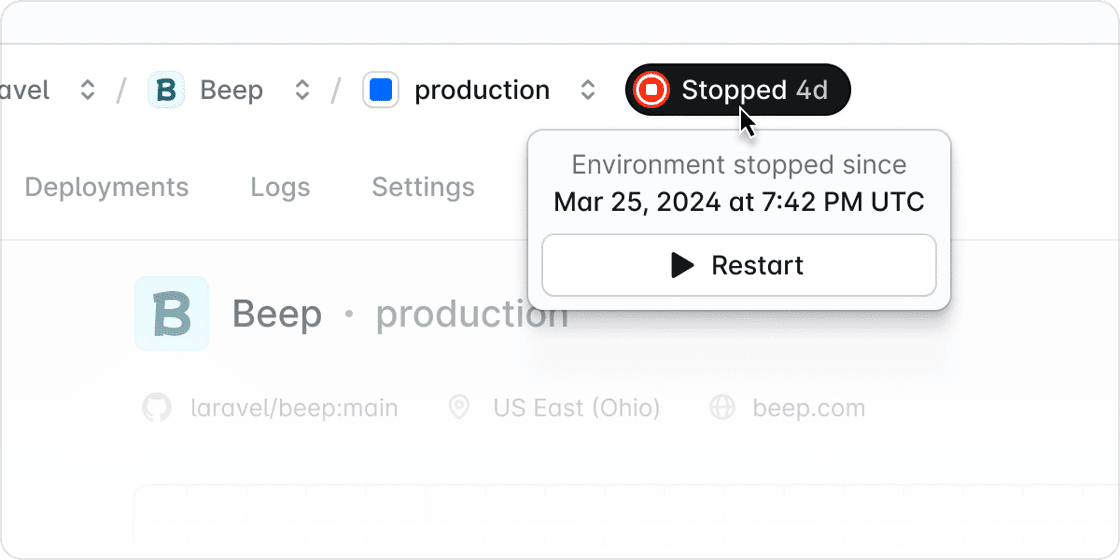
Take manual control of your environment states with our new stop and restart functionality. Unlike hibernation (which happens automatically), this feature lets you explicitly pause environments when you don’t need them and restart them when you do. Perfect for managing costs, scheduling maintenance, or controlling resources during your development cycles.
Learn more
Better predict your spend by viewing a preview of your current month’s invoice (to date). Previews include plan subscription, additional usage (after allowances), and discounts.
View Invoice Preview
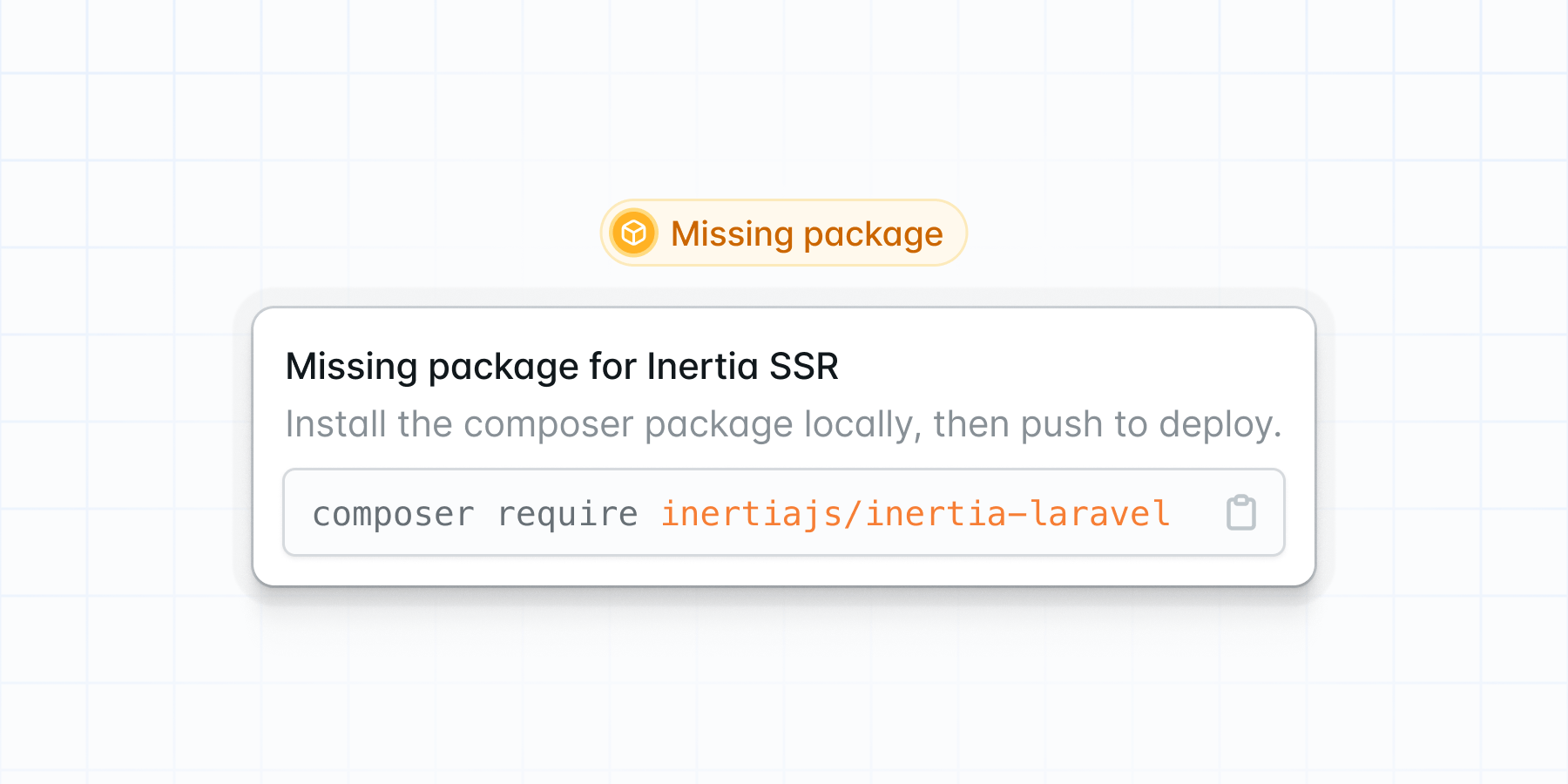
We now support the ability to serve Inertia based pages via server-side rendering. Inertia SSR pre-renders your HTML server-side before sending it to the client, which can improve your application’s SEO.
Learn more
A disconnected repo no longer leaves you hanging. You can now edit which repository is connected to your application. This enables recovery from disconnections that occur when repositories are deleted or access is revoked. After updating your repository, you can easily reconnect each environment to the appropriate branch, preserving all your settings and attached resources.
Learn more
Show Improvements (9)
Improved GitHub integration for enhanced reliability.
Added applications usage to the usage screen.
Improved domain verification workflow.
Improved error messages for running commands.
Enhanced tooltips and copy button usability.
Allow re-running commands
Added support for enabling “EU jurisdiction” when creating a bucket.
Improved validation to check if Octane is installed before enabling it.
Environments can now be “woken” from the hibernation state.
Show Fixes (8)
Fixed an issue where “Build Logs” and “Deploy Logs” were sometimes truncated prematurely, preventing error messages from being displayed.
Resolved an issue where deployment output was sometimes missing when a deployment failed.
Fixed issue with the “Create Application” modal when a repository was not selected during branch refresh.
Fixed Bitbucket link issue.
Resolved an issue where the deployment output might incorrectly display as “complete”.
Fix the issue where changing the application’s avatar also disconnects its source control.
Prevent commands from being executed on stopped environments.
Resolved timeout issue when creating applications with source controllers managing thousands of repositories.